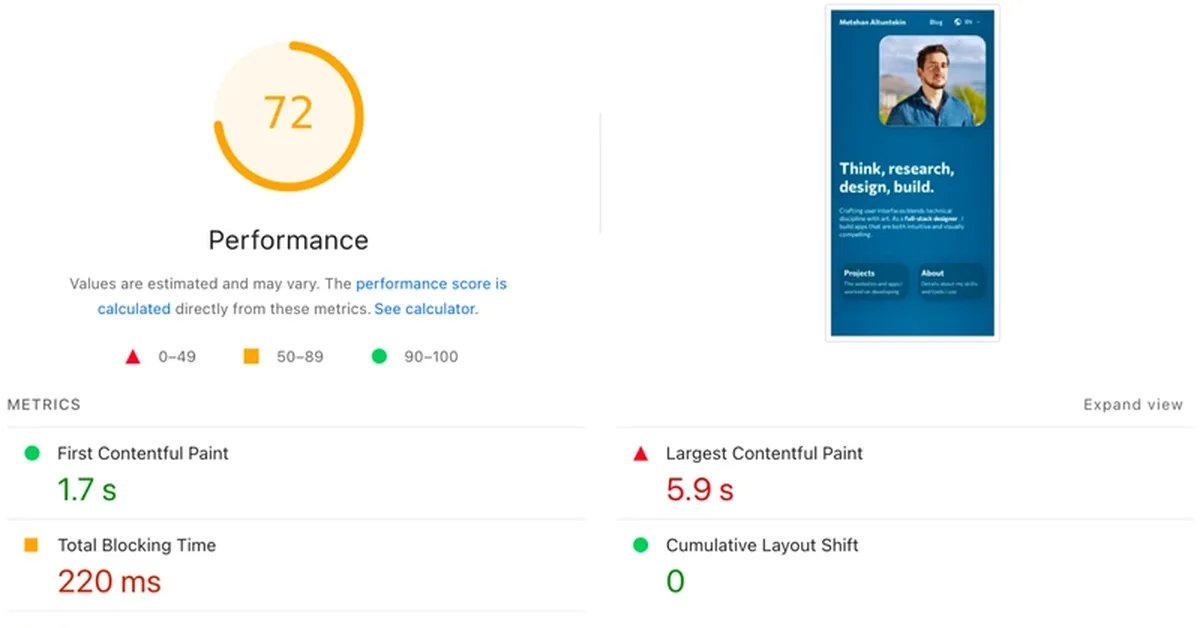
The article discusses optimizing a SvelteKit website for better performance using Lighthouse insights and diagnostics. Key issues identified include network dependency tree warnings, render blocking requests due to CSS loading, and inefficient asset downloading and processing times. Solutions implemented include inlining CSS files within the HTML to reduce initial load time and eliminate dependency issues. The author sets an inline style threshold of 60kB for SvelteKit configuration to ensure all CSS is included directly in the HTML file, improving performance metrics despite increasing the size of the index.html file. This change addresses network stability concerns and streamlines asset loading processes.
Read the full article at DEV Community
Want to create content about this topic? Use Nemati AI tools to generate articles, social posts, and more.