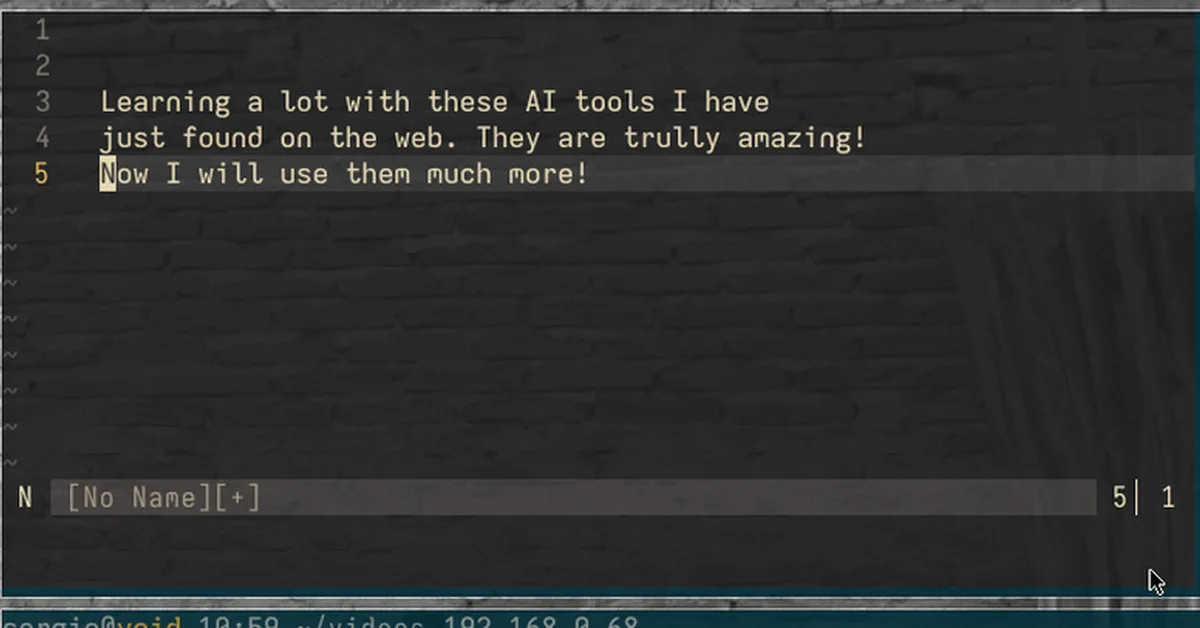
This guide explains how to set up a custom Neovim plugin that displays translations of selected text in a styled popup window using translate-shell. It includes detailed steps for creating the Lua script, adding keymaps, and utilizing mnemonic shortcuts for ease of use. The plugin supports translating words under the cursor or visual selections, preserves line breaks for multiple lines, defaults to English to Brazilian Portuguese translation, and can be closed with 'q' or Esc.
Read the full article at DEV Community
Want to create content about this topic? Use Nemati AI tools to generate articles, social posts, and more.
4
Comments
AN
Ali NematiWritten by Ali