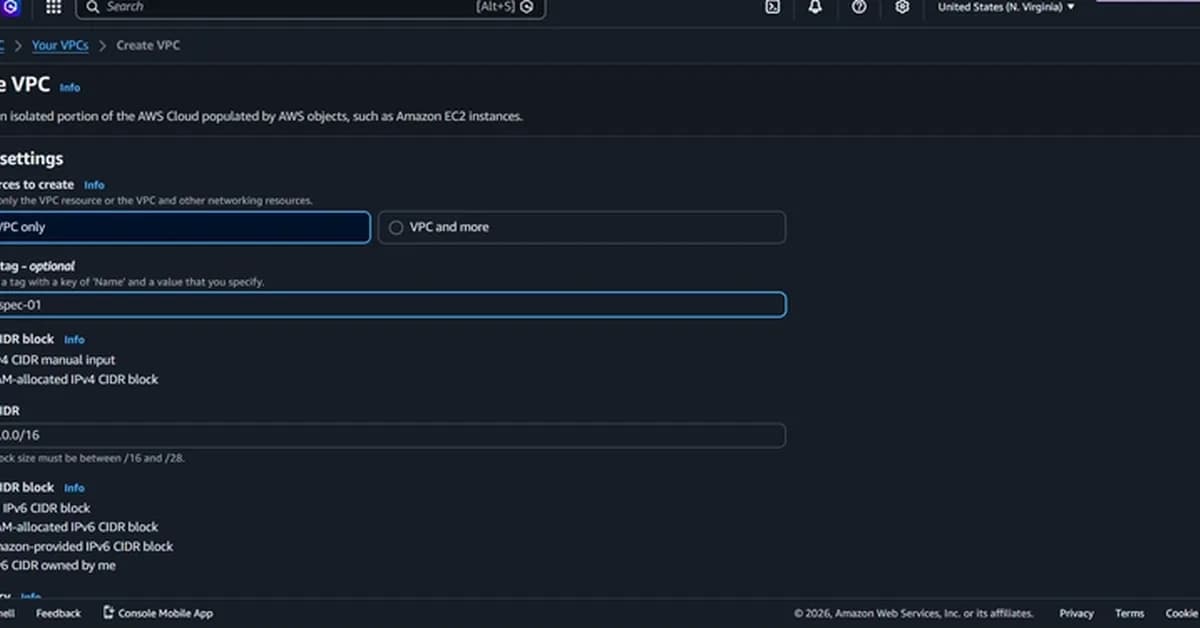
Setting up a Virtual Private Cloud (VPC) with public and private EC2 instances is crucial for understanding network security and resource management in cloud environments. Here's an overview of the key steps and lessons from this project:
Key Steps
-
Creating a VPC:
- Define the IPv4 CIDR block.
- Create subnets within the VPC, distinguishing between public and private subnets.
-
Setting Up Public EC2 Instance:
- Launch an EC2 instance in the public subnet.
- Ensure it has access to the internet by configuring route tables and security groups.
- Install Nginx for serving web content.
-
Setting Up Private EC2 Instance:
- Launch a second EC2 instance in the private subnet.
- Disable auto-assigning public IP addresses.
- Configure security group rules to allow traffic from the public instance on specific ports (e.g., 8080).
-
Establishing Communication Between Instances:
- Use SSH keys for secure communication between instances.
- Set up port forwarding and proxy configurations in Nginx to route requests from the public instance to the private instance.
-
Testing Configuration:
Read the full article at DEV Community
Want to create content about this topic? Use Nemati AI tools to generate articles, social posts, and more.
4
Tags
Contents

Ali NematiWritten by Ali
![[AINews] The Unreasonable Effectiveness of Closing the Loop](/_next/image?url=https%3A%2F%2Fmedia.nemati.ai%2Fmedia%2Fblog%2Fimages%2Farticles%2F600e22851bc7453b.webp&w=3840&q=75)



