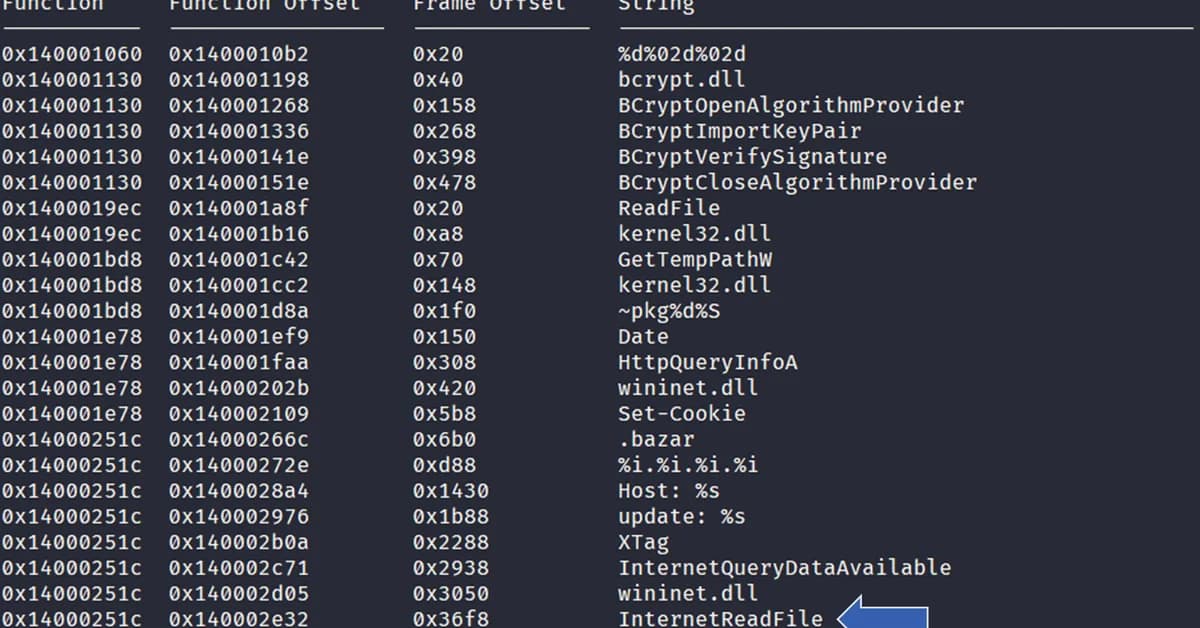
In this tutorial, a hands-on workflow is presented for analyzing obfuscated strings in a synthetic Windows executable using the FLARE-FLOSS tool. The process begins with setting up the environment and installing necessary tools like Python libraries and FLARE-FLOSS itself.
The first step involves creating a synthetic malware sample to test against, which includes various types of obfuscation such as static strings, stack-based strings, tight strings, and decoded strings. These are strategically placed within the executable to simulate real-world scenarios encountered in malware analysis.
Next, the tutorial demonstrates how simple command-line tools for string extraction often fail to uncover hidden or obfuscated data within these executables. This highlights the limitations of basic methods when dealing with sophisticated malware that employs advanced techniques to evade detection.
FLARE-FLOSS is then introduced as a more powerful tool capable of recovering strings from various categories, including those that are tightly packed and dynamically decoded at runtime. The tutorial guides users through running FLARE-FLOSS on the synthetic sample and interpreting its output in JSON format.
Following this, there's an analysis phase where recovered strings are parsed to identify potential indicators of compromise (IOCs) such as URLs, IP addresses, registry keys, Win32 APIs, and other suspicious patterns. This step
Read the full article at MarkTechPost
Want to create content about this topic? Use Nemati AI tools to generate articles, social posts, and more.

![[AINews] The Unreasonable Effectiveness of Closing the Loop](/_next/image?url=https%3A%2F%2Fmedia.nemati.ai%2Fmedia%2Fblog%2Fimages%2Farticles%2F600e22851bc7453b.webp&w=3840&q=75)



