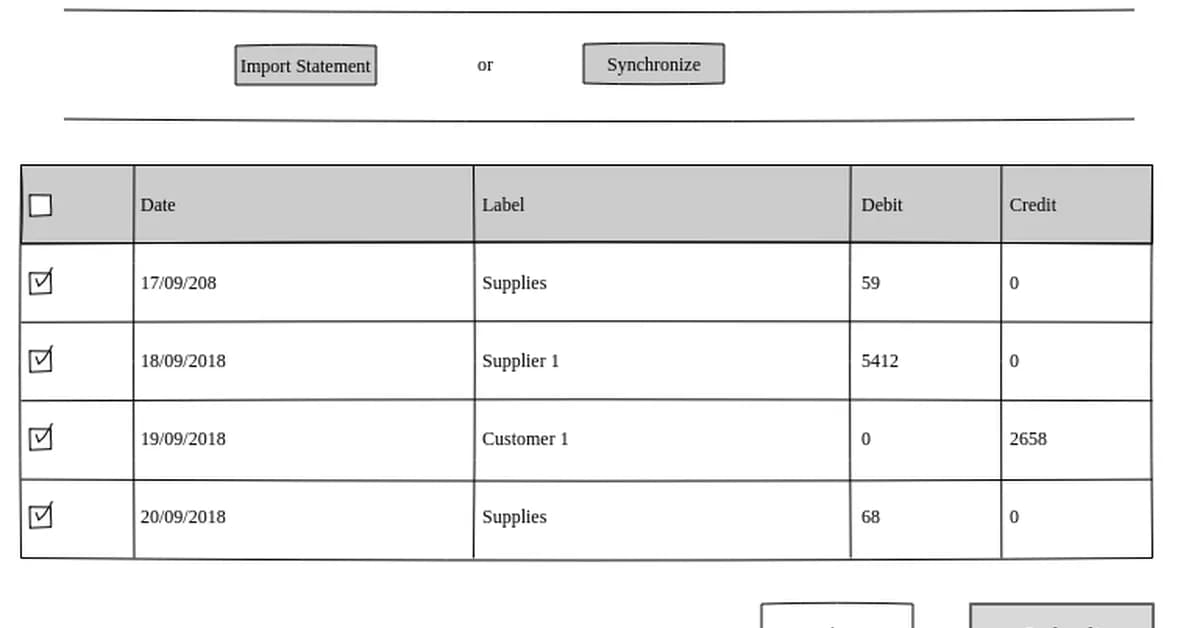
The provided code snippets and explanations outline a basic framework for integrating Plaid API into an application to manage financial transactions, particularly focusing on bank reconciliation. Below is a summary of the key steps involved in this process:
Step 1: Setting Up Plaid Environment
Firstly, you need to set up your environment by installing the plaid-python package and initializing the client with your Plaid API credentials.
python1from plaid import Client 2 3client = Client(client_id='your_client_id', secret='your_secret', environment='sandbox')
Step 2: Linking a Bank Account
To link a bank account, you need to generate an access_token using the Plaid API. This involves creating a public token and exchanging it for an access token.
python1# Generate a public token 2public_token = client.Item.public_token.create('your_public_token', {'initial_products': ['transactions']}) 3 4# Exchange the public token for an access token 5response = client.Item.access_token.create(public_token['public_token']) 6access_token = response['access_token']
Step 3: Fetching Transactions
Once you have an access_token, you can fetch transactions from the bank account linked through Pl
Read the full article at DEV Community
Want to create content about this topic? Use Nemati AI tools to generate articles, social posts, and more.

![[AINews] The Unreasonable Effectiveness of Closing the Loop](/_next/image?url=https%3A%2F%2Fmedia.nemati.ai%2Fmedia%2Fblog%2Fimages%2Farticles%2F600e22851bc7453b.webp&w=3840&q=75)



