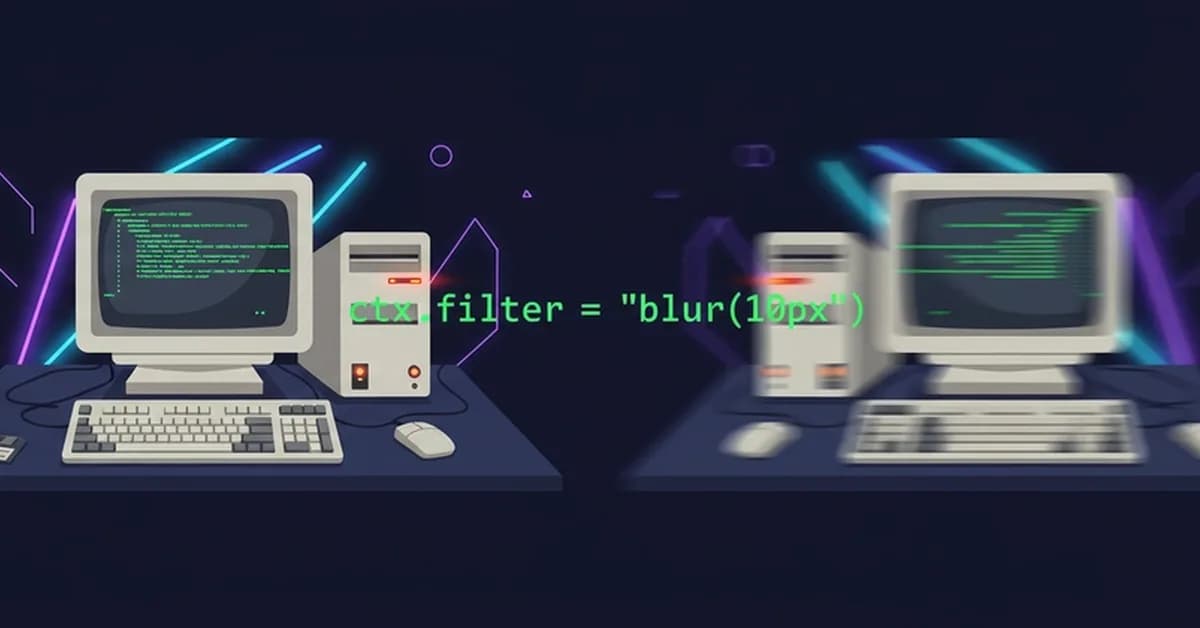
The provided code and explanation detail a web-based image blurring tool that operates entirely within the user's browser without any server-side processing. Here are the key components and functionalities of this application:
-
Drag-and-Drop File Handling:
- The
handleDragOver,handleDragLeave, andhandleDropfunctions manage drag-and-drop interactions. - When a file is dropped, it triggers the
processFilefunction to handle the image upload.
- The
-
Image Processing:
- The
processFilefunction reads the user-uploaded file usingFileReader.readAsDataURL. - It creates an
<img>element and sets its source to the data URL of the uploaded file. - Once the image is loaded, it updates the state with the blurred version by setting a CSS filter on the image.
- The
-
Canvas Blurring:
- The
downloadBlurredfunction uses a canvas to create a blurred version of the image. - It sets up a canvas element and draws the original image onto it with an additional blur effect applied using
ctx.filter = "blur(Xpx)". - The blurred image is then converted back into a data URL for download.
- The
Read the full article at DEV Community
Want to create content about this topic? Use Nemati AI tools to generate articles, social posts, and more.
2

Ali NematiWritten by Ali
![[AINews] The Unreasonable Effectiveness of Closing the Loop](/_next/image?url=https%3A%2F%2Fmedia.nemati.ai%2Fmedia%2Fblog%2Fimages%2Farticles%2F600e22851bc7453b.webp&w=3840&q=75)



