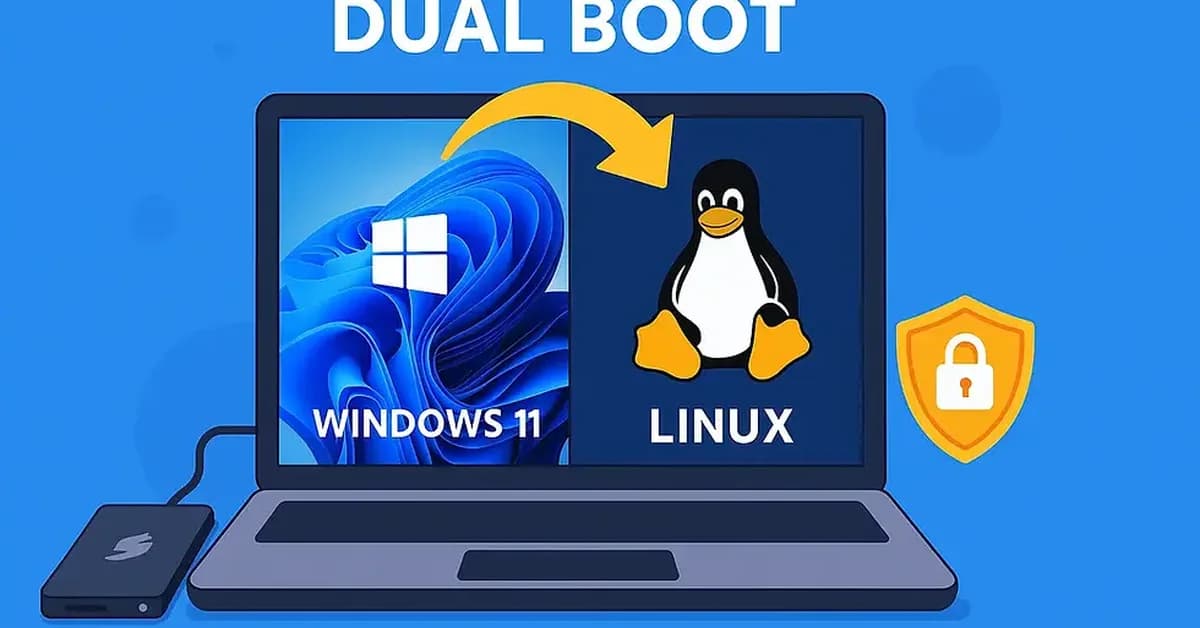
— Enter the BIOS</strong></p>
To enter the BIOS, you need to restart your computer while it's still starting up. Immediately after turning on or restarting your laptop, keep an eye out for a message that says something like "Press F2 to enter Setup" (this can vary depending on the manufacturer and model). For HP laptops specifically:
- Press
F10repeatedly as soon as you turn on the computer.
If you miss this window, you'll need to restart your laptop again until you catch it.
<p><strong>Step 2 — Disable Secure Boot</strong></p>Once in the BIOS setup utility:
- Navigate to the <strong>Security</strong> tab or section (it may be called "Boot" on some systems).
- Look for an option named Secure Boot.
- Set it to Disabled.
- Go to the Boot tab or section in BIOS.
- Find the boot order settings (often called "Boot Priority" or similar).
- Move your USB drive to the top of the list, ensuring it will be the first device to attempt a boot
Read the full article at DEV Community
Want to create content about this topic? Use Nemati AI tools to generate articles, social posts, and more.
4

Ali NematiWritten by Ali
![[AINews] The Unreasonable Effectiveness of Closing the Loop](/_next/image?url=https%3A%2F%2Fmedia.nemati.ai%2Fmedia%2Fblog%2Fimages%2Farticles%2F600e22851bc7453b.webp&w=3840&q=75)



