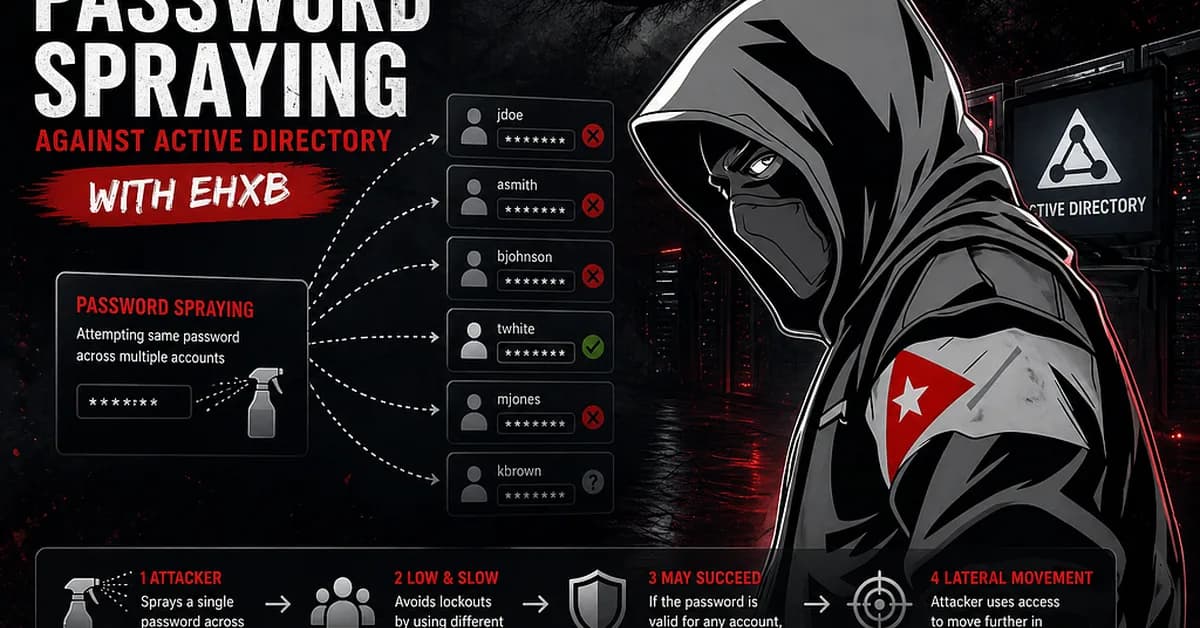
Internal Password Spraying using Linux
After building a valid username list, the next step is executing the password spraying attack. This stage is critical because it is one of the primary ways to obtain valid domain credentials, but it must be performed carefully to avoid account lockouts or detection.
Internal Password Spraying from Linux
Once a username list is prepared, Linux-based tools can be used to attempt authentication against Active Directory using a single password across multiple accounts. One common approach is using rpcclient in a loop. A successful authentication is not always obvious, but a valid login typically returns an “Authority Name” response. This can be filtered to show only successful attempts.
Example Bash one-liner:
bash1for u in $(cat valid_users.txt); do rpcclient -U "$u%Welcome1" -c "getusername;quit" 172.16.5.5 | grep Authority; done
Example output:
plaintext1Account Name: tjohnson, Authority Name: INLANEFREIGHT 2Account Name: sgage, Authority Name: INLANEFREIGHT
This indicates successful authentication for those users.
Using Kerbrute for Password
Read the full article at InfoSec Write-ups - Medium
Want to create content about this topic? Use Nemati AI tools to generate articles, social posts, and more.

![[AINews] The Unreasonable Effectiveness of Closing the Loop](/_next/image?url=https%3A%2F%2Fmedia.nemati.ai%2Fmedia%2Fblog%2Fimages%2Farticles%2F600e22851bc7453b.webp&w=3840&q=75)



