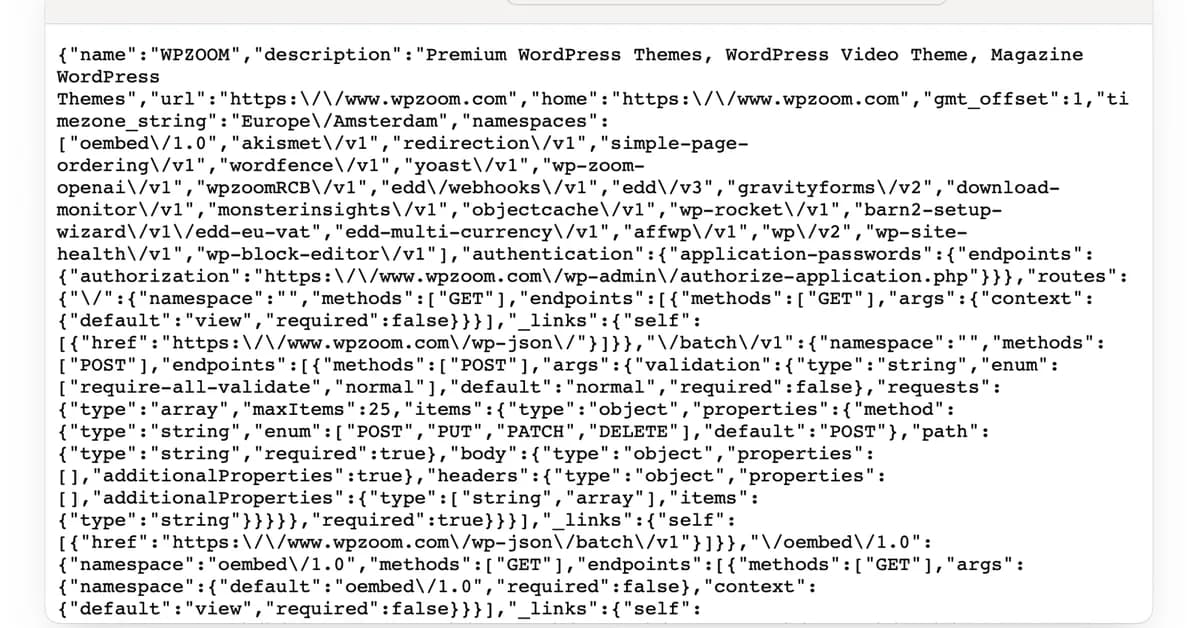
The provided code snippet outlines a comprehensive solution for exporting WordPress content as JSON, with options to customize the export process. Here's a breakdown of what each part does:
-
Content Export Class:
- The
ContentExportclass is responsible for converting WordPress posts and their associated data into JSON format. - It includes methods like
get_post_data,get_term_data,get_taxonomy_data, andconvert_to_jsonto handle different aspects of the export process.
- The
-
WP_Query Initialization:
- A
WP_Queryobject is used to fetch posts based on certain criteria, such as post type or taxonomy. - The query can be customized with parameters like
'post_type' => 'your_post_type', 'posts_per_page' => -1, etc., depending on the requirements.
- A
-
JSON Conversion:
- The
convert_to_jsonmethod iterates through posts returned by the WP_Query and converts each post into an array of data. - This includes post content, taxonomies (categories/tags), custom fields, and other relevant metadata.
- The resulting arrays are then converted to JSON format using PHP's
json_encode.
- The
-
Export Form:
Read the full article at DEV Community
Want to create content about this topic? Use Nemati AI tools to generate articles, social posts, and more.
4

Ali NematiWritten by Ali
![[AINews] The Unreasonable Effectiveness of Closing the Loop](/_next/image?url=https%3A%2F%2Fmedia.nemati.ai%2Fmedia%2Fblog%2Fimages%2Farticles%2F600e22851bc7453b.webp&w=3840&q=75)



