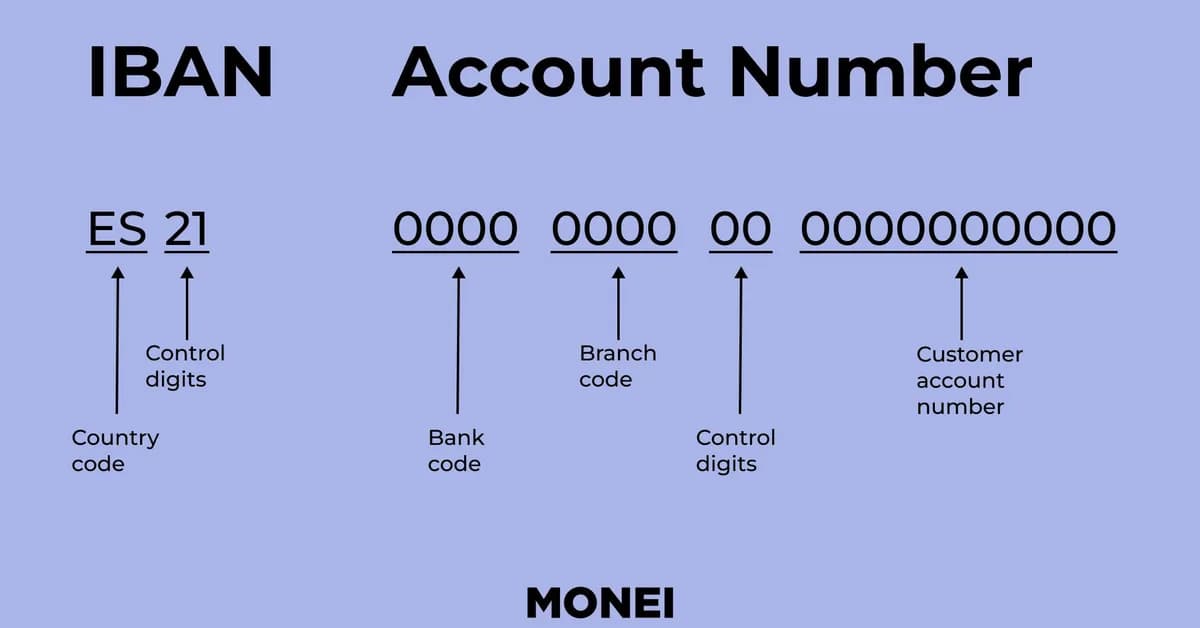
The provided code snippet showcases how to use the /no/ endpoint (likely a placeholder for an actual API endpoint) to extract structured data from financial documents, such as bank transfers. The process involves defining a schema that specifies which fields should be extracted and their types, then uploading the document(s) to be processed.
Here's a breakdown of what each part does:
-
Schema Definition: A list of objects is defined where each object represents a field in the document you want to extract data from:
name: The name of the field.type: Specifies the type of value expected for this field (e.g.,DATE,TEXT,CURRENCY_CODE).description: A brief description of what the field represents.
-
Document Upload: Documents are uploaded as part of the request, and their paths or references are included in the schema definition under each field's source if needed.
-
Response Structure:
- The response contains a success status indicating whether the extraction was successful.
data: Contains extracted values for each specified field with additional details like confidence scores and citations.
Example Response Breakdown
For the "transaction_date" field, the response
Read the full article at DEV Community
Want to create content about this topic? Use Nemati AI tools to generate articles, social posts, and more.

![[AINews] The Unreasonable Effectiveness of Closing the Loop](/_next/image?url=https%3A%2F%2Fmedia.nemati.ai%2Fmedia%2Fblog%2Fimages%2Farticles%2F600e22851bc7453b.webp&w=3840&q=75)



