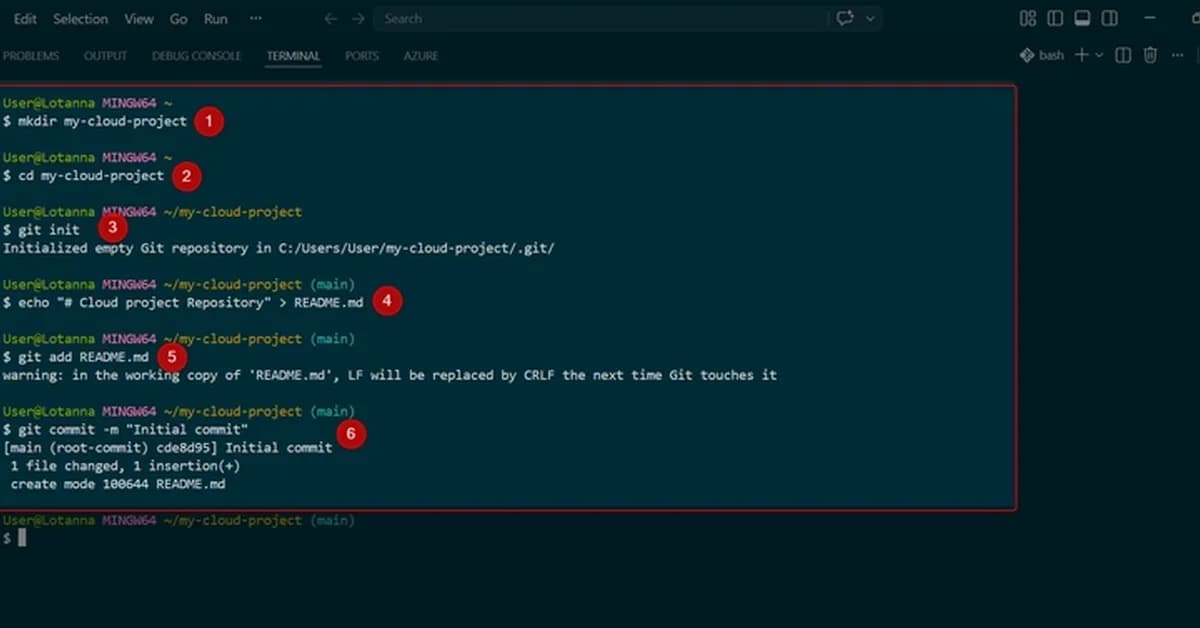
This guide provides a comprehensive step-by-step process for deploying an application in Azure Kubernetes Service (AKS) and exposing it to the internet. Below is a summary of each key step, along with explanations on how they align with the principles of the Azure Well-Architected Framework.
1. Create an AKS Cluster
Command:
bash1kubectl create deployment nginx-app --image=nginx --replicas=2
Explanation:
- Operational Excellence: This step involves setting up a Kubernetes cluster, which is crucial for managing containerized applications efficiently.
- Reliability: Ensuring the AKS cluster and its components are highly available and resilient.
2. Expose Application to Internet
Create LoadBalancer Service
Command:
bash1kubectl expose deployment nginx-app --type=LoadBalancer --port=80
Explanation:
- Performance Efficiency: Leveraging Azure's load balancer service ensures that traffic is efficiently routed and scaled.
- Operational Excellence: Real-time monitoring of the LoadBalancer Service to track provisioning status.
Retrieve Public IP Address
Command:
bash1kubectl get service nginx-app --watch
**
Read the full article at DEV Community
Want to create content about this topic? Use Nemati AI tools to generate articles, social posts, and more.
2
Contents

Ali NematiWritten by Ali
![[AINews] The Unreasonable Effectiveness of Closing the Loop](/_next/image?url=https%3A%2F%2Fmedia.nemati.ai%2Fmedia%2Fblog%2Fimages%2Farticles%2F600e22851bc7453b.webp&w=3840&q=75)



