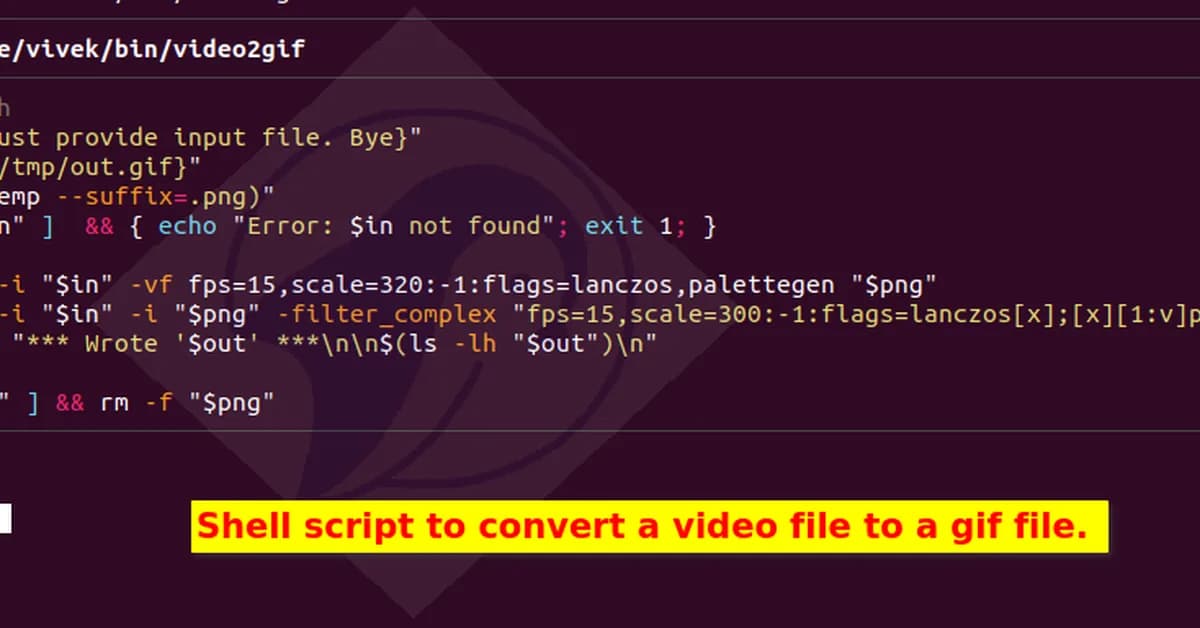
Converting MP4 to GIF using FFmpeg requires specific flags to ensure high-quality and small file size, avoiding default settings that produce low-resolution or large files.
This matters because developers need efficient methods to create visually appealing GIFs without sacrificing performance. Using FFmpeg's palettegen and paletteuse filters ensures vibrant colors and smooth gradients while significantly reducing file sizes.
Read the full article at DEV Community
Want to create content about this topic? Use Nemati AI tools to generate articles, social posts, and more.
4

Ali NematiWritten by Ali
![[AINews] The Unreasonable Effectiveness of Closing the Loop](/_next/image?url=https%3A%2F%2Fmedia.nemati.ai%2Fmedia%2Fblog%2Fimages%2Farticles%2F600e22851bc7453b.webp&w=3840&q=75)



