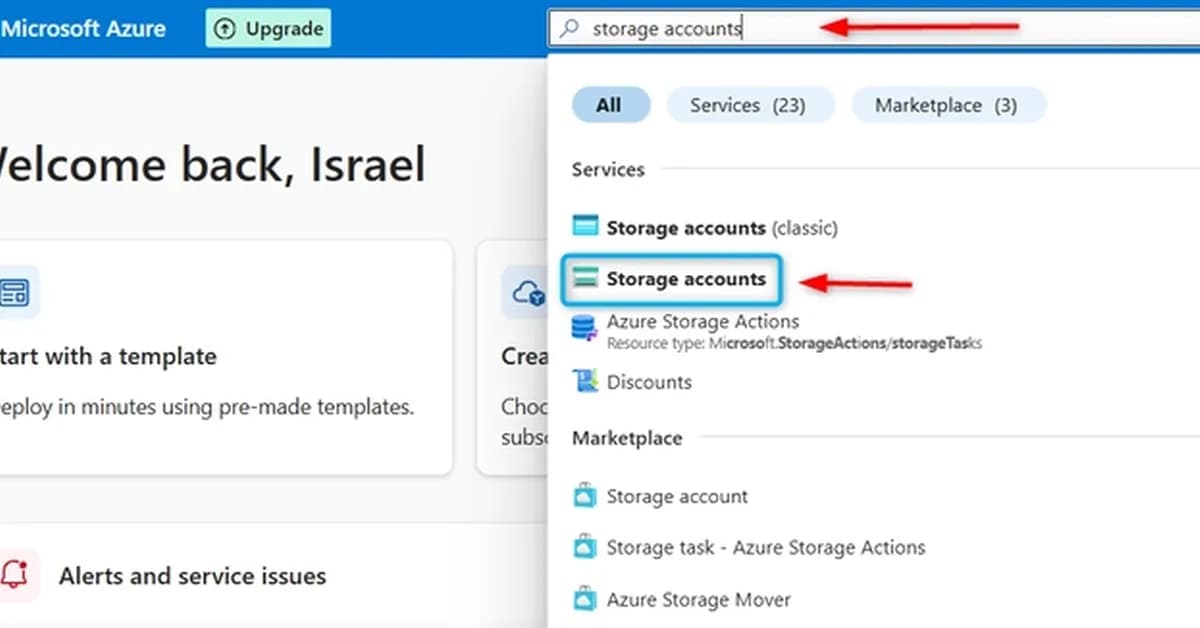
This guide provides a comprehensive overview of setting up an Azure Storage Account tailored specifically for storing website assets such as images, documents, and potentially serving static web content. Below are the key steps and concepts covered:
Key Steps Covered
-
Creating a Storage Account
- Ensuring high availability by selecting appropriate redundancy options.
- Configuring public access to allow anonymous read-only access.
-
Safety Features
- Enabling soft delete to recover accidentally deleted blobs.
- Implementing blob versioning to keep track of different versions of files.
Detailed Breakdown
Creating a Storage Account
-
High Availability:
- Selecting the appropriate redundancy option (e.g., Geo-redundant storage) ensures that your data is replicated across multiple regions, providing resilience against regional outages.
-
Public Access:
- Configuring public access allows users to read blobs without needing authentication. This is particularly useful for publicly accessible content like images and documents.
Safety Features
-
Soft Delete
- Soft delete enables the recovery of accidentally deleted blobs within a retention period, providing an added layer of data protection.
-
Blob Versioning
- Blob versioning keeps track
Read the full article at DEV Community
Want to create content about this topic? Use Nemati AI tools to generate articles, social posts, and more.
Views324
On this page

Ali NematiBlogUI.author_articles