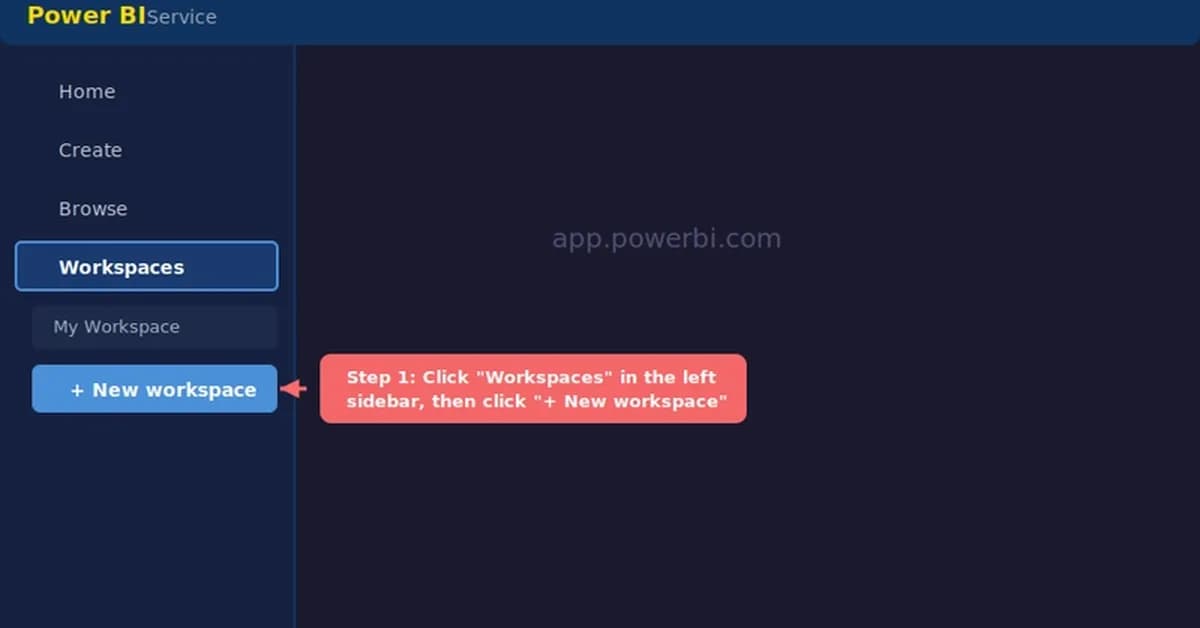
The alternative method for embedding reports securely within an organization's website or portal is indeed crucial when dealing with sensitive data that should only be visible to authenticated users. Here’s how you can achieve this using the "Website or Portal" embed option:
Prerequisites
-
User Licenses:
- Viewers need a Power BI Pro or Premium Per User (PPU) license.
- Alternatively, if your organization has assigned a Premium capacity to the workspace, users with Viewer roles and free licenses can also access the report.
-
Workspace Role:
- You must have at least Contributor role in the workspace where the report is published.
-
Report Status:
- The report should be published to the Power BI Service.
Steps to Embed Securely
-
Publish Your Report:
- Ensure your report is published within a workspace that meets the above prerequisites.
-
Generate Embed Code:
- Navigate to the workspace in the Power BI Service.
- Click on the
Settingsgear icon and selectManage embed codes. - Choose
Website or portalas the embedding option. - Retrieve the generated embed code, which includes a unique token that authenticates
Read the full article at DEV Community
Want to create content about this topic? Use Nemati AI tools to generate articles, social posts, and more.
2
Tags
Contents

Ali NematiWritten by Ali
![[AINews] The Unreasonable Effectiveness of Closing the Loop](/_next/image?url=https%3A%2F%2Fmedia.nemati.ai%2Fmedia%2Fblog%2Fimages%2Farticles%2F600e22851bc7453b.webp&w=3840&q=75)



