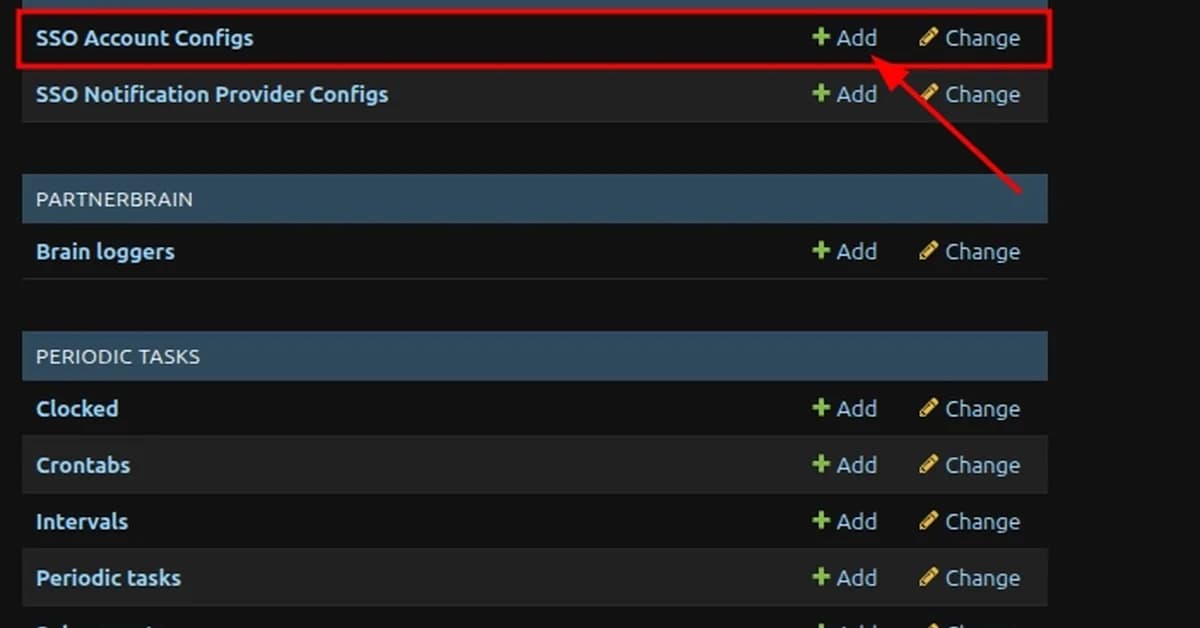
To trigger a soft-deletion of a user in an application integrated with Azure Active Directory (AAD), Google Workspace, or Okta using Single Sign-On (SSO) providers, you need to follow specific steps for each identity provider. Here's how you can achieve this:
1. Azure AD:
Removing User from Group:
- Navigate to the Azure portal.
- Go to "Enterprise Applications" and select your application.
- Under the "Users and groups" section, click on "All users".
- Find the user you want to remove and click on their name.
- Click on the group they are a part of (the one defined in your SSO client provider).
- Remove the user from this group.
Deleting User from Azure AD:
- Navigate to "Azure Active Directory" > "Users".
- Select the user you wish to delete.
- Deactivate the user by clicking "Deactivate" and then confirm.
- Once deactivated, click on "Delete" to completely remove the user.
2. Google Workspace:
Removing User from Group:
- Go to Google Admin Console.
- Navigate to "Groups".
- Find the group associated with your application (the one defined in your SSO
Read the full article at DEV Community
Want to create content about this topic? Use Nemati AI tools to generate articles, social posts, and more.
2
Tags
Contents

Ali NematiWritten by Ali
![[AINews] The Unreasonable Effectiveness of Closing the Loop](/_next/image?url=https%3A%2F%2Fmedia.nemati.ai%2Fmedia%2Fblog%2Fimages%2Farticles%2F600e22851bc7453b.webp&w=3840&q=75)



