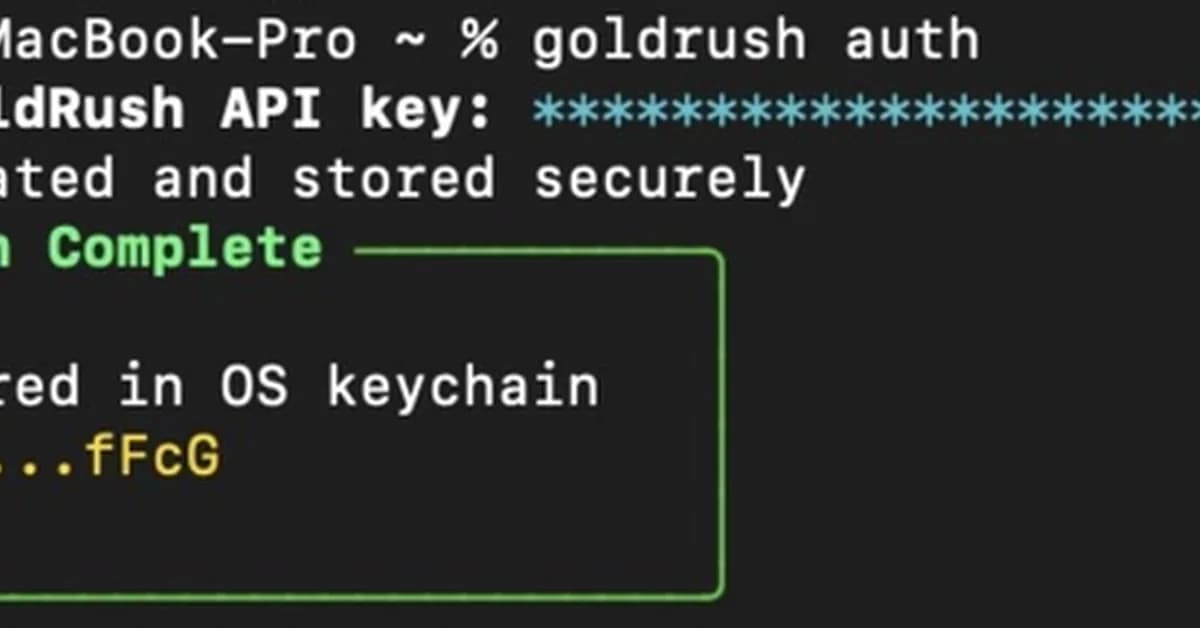
This tutorial provides a comprehensive guide on integrating GoldRush, a blockchain data platform, with Claude Code, an AI-powered terminal tool, to enable natural language querying of blockchain data across multiple chains. Below is a summary and key steps from the tutorial:
Summary
- Objective: Set up Claude Code to query blockchain data using natural language prompts.
- Tools Used:
- GoldRush: A platform providing extensive blockchain data services.
- Claude Code: An AI terminal tool that allows users to interact with systems through natural language commands.
Key Steps
-
Install Required Tools
- Install
goldrush-cliglobally using npm.bash1npm install -g @covalenthq/goldrush-cli - Ensure you have the latest version of Claude Code installed.
- Install
-
Set Up GoldRush MCP Server
- Start the GoldRush MCP server by running:
bash
1npx @covalenthq/goldrush-mcp-server@latest --env GOLDRUSH_API_KEY=YOUR_KEY - Connect the server to Claude Code using:
bash
1claude mcp add goldrush -e G
- Start the GoldRush MCP server by running:
Read the full article at DEV Community
Want to create content about this topic? Use Nemati AI tools to generate articles, social posts, and more.
2
Contents

Ali NematiWritten by Ali
![[AINews] The Unreasonable Effectiveness of Closing the Loop](/_next/image?url=https%3A%2F%2Fmedia.nemati.ai%2Fmedia%2Fblog%2Fimages%2Farticles%2F600e22851bc7453b.webp&w=3840&q=75)



