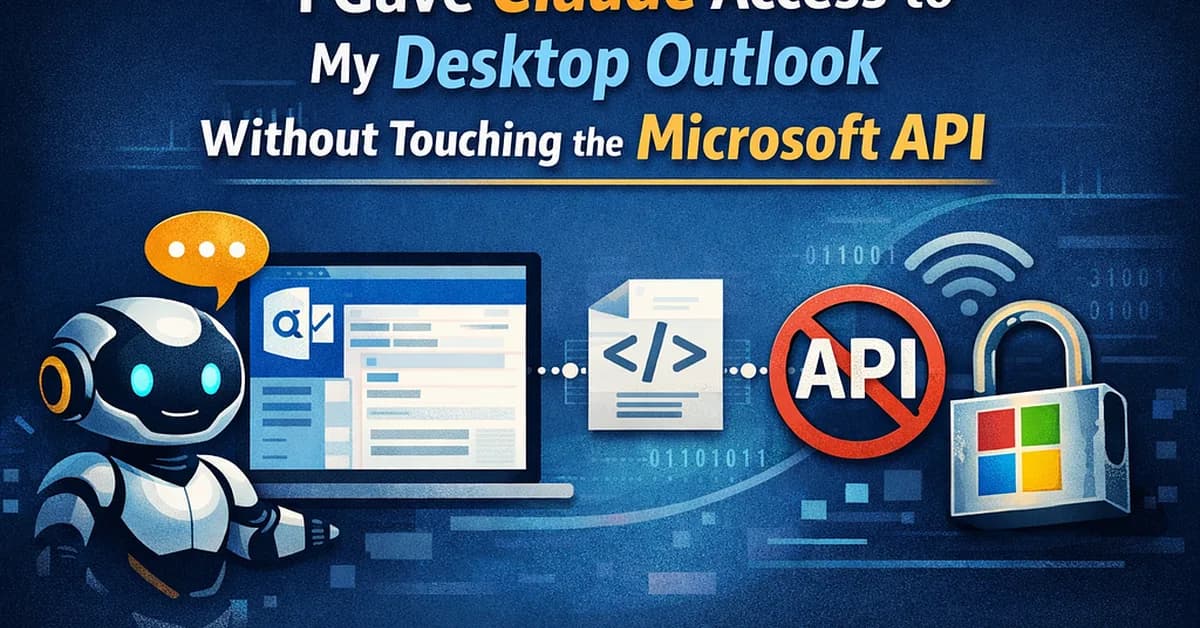
The provided content outlines a method for extracting email data from the Outlook app on macOS using Python and the atomacos library, which leverages the macOS Accessibility API. This technique allows you to read emails directly from your desktop application without relying on cloud-based integrations or APIs. Below is a summary of how this works and how you can get started with it.
Key Components
- macOS Accessibility API: Allows Python scripts to interact with UI elements in any macOS app.
- atomacos Library: A Python library that wraps the Accessibility API, making it easier to access UI elements programmatically.
- Outlook Email Scanner Script: The script reads emails from Outlook's inbox and saves them as Markdown files on your local machine.
Steps to Get Started
-
Clone the Repository:
bash1git clone https://gitlab.com/timo2026/outlook-email-scanner.git 2cd outlook-email-scanner -
Install Dependencies: You need to install the
atomacoslibrary.bash1pip install atomacos -
Grant Accessibility Permission: Go to System Settings → Privacy & Security
Read the full article at Towards AI - Medium
Want to create content about this topic? Use Nemati AI tools to generate articles, social posts, and more.
23
Contents

Ali NematiWritten by Ali
![[AINews] The Unreasonable Effectiveness of Closing the Loop](/_next/image?url=https%3A%2F%2Fmedia.nemati.ai%2Fmedia%2Fblog%2Fimages%2Farticles%2F600e22851bc7453b.webp&w=3840&q=75)



