The article discusses how to enhance the user experience and functionality of import features in Filament, a popular PHP framework for building admin panels. Specifically, it focuses on improving the handling of failed rows during data imports by providing persistent access to error CSV files through custom policies and routes.
Key Points:
-
Problem Statement:
- The default behavior of importing data into Filament does not provide long-term access to error logs or failed row details.
- This can be inconvenient for users who need to review past import errors, especially after the initial import process is complete.
-
Solution Overview:
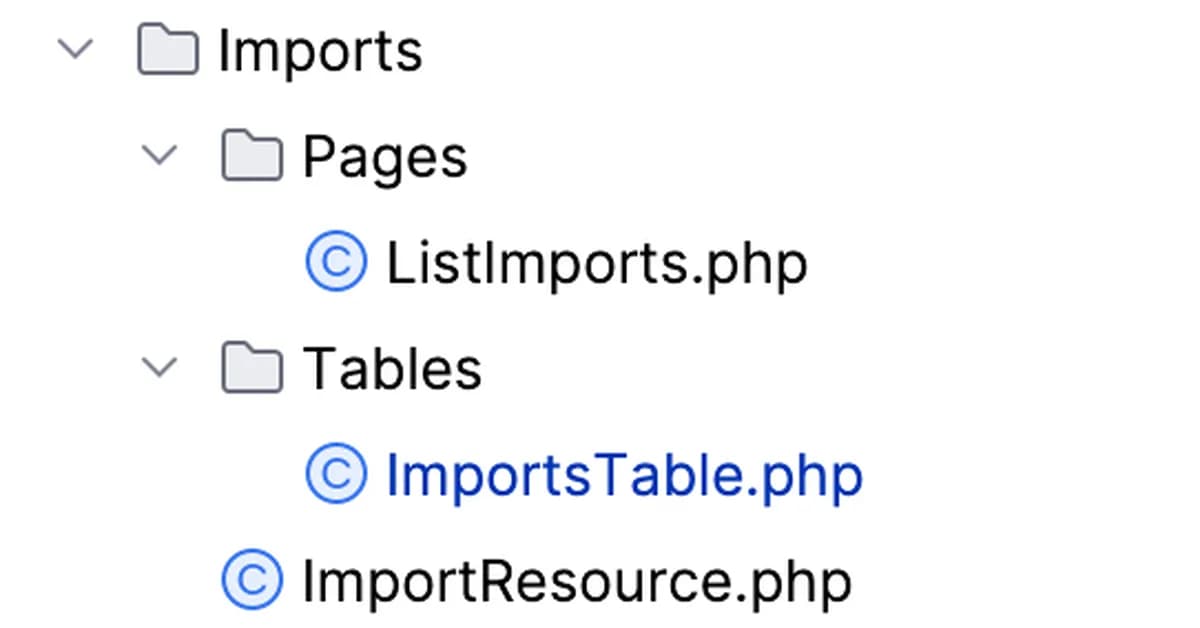
- Implement a custom policy and resource to allow authorized users to download CSV files containing rows that failed during an import operation.
- Use Filament's built-in features like signed routes and authorization policies to ensure security while providing easy access to these error logs.
-
Implementation Steps:
-
Custom Policy: Create a policy (
ImportPolicy) with methods for viewing imports, downloading CSV files of failed rows, etc., ensuring that only authorized users can perform these actions.php1namespace App\Policies; 2 3use Filament\Models\Contracts\HasFilamentUser; 4use Illuminate\Auth\Access\
-
Read the full article at DEV Community
Want to create content about this topic? Use Nemati AI tools to generate articles, social posts, and more.
Views224
On this page

Ali NematiBlogUI.author_articles