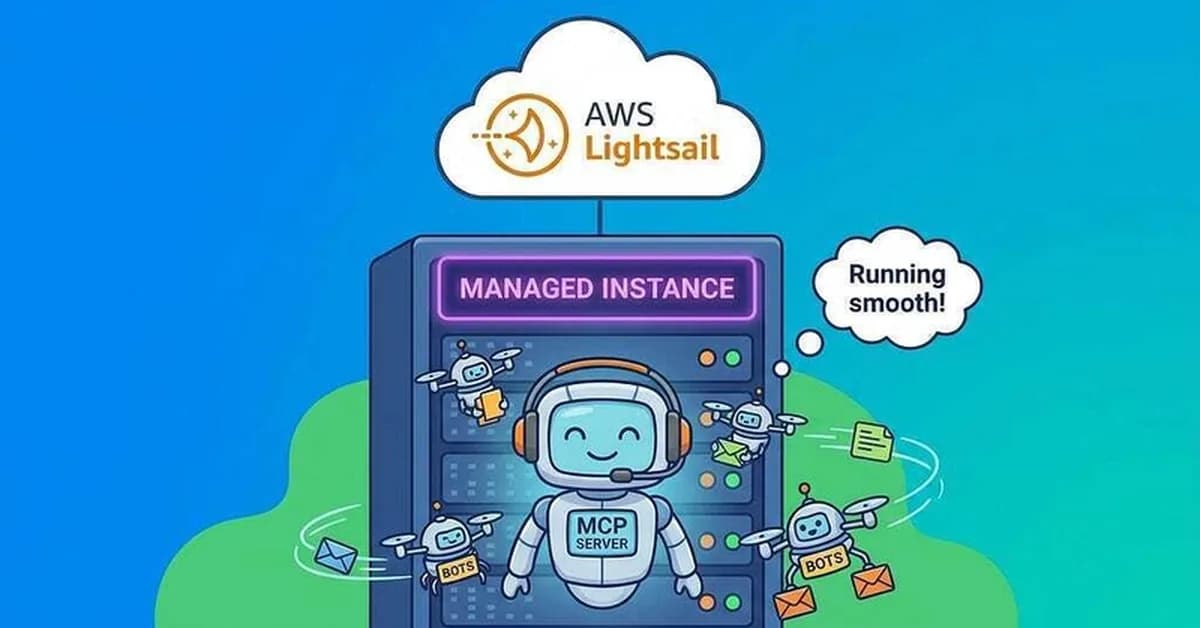
Summary: Deploying Python-Based MCP Server on Amazon Lightsail with Gemini CLI
This tutorial outlines an incremental, step-by-step process for deploying a Python-based Model Control Plane (MCP) server on Amazon Lightsail Instances. The goal is to validate the deployment and ensure that it can be used effectively as part of a larger cloud-based architecture.
Key Steps:
-
Setup Environment:
- Ensure you have the necessary tools installed:
aws-clilightsail-climake
- Ensure you have the necessary tools installed:
-
Deploy Python MCP Server Locally:
- Navigate to the directory containing the Python MCP sample code.
- Refresh AWS credentials using
save-aws-creds.sh. - Deploy the MCP server locally by running:
sh
1make deploy
-
Validate Deployment:
- Check the status of the deployed instance and container service:
sh
1make status - Get the endpoint URL for the deployed service:
sh
1make endpoint
- Check the status of the deployed instance and container service:
-
Configure Gemini CLI Settings:
- Update the
settings.jsonfile with the new MCP server details:json1undefined
- Update the
Read the full article at DEV Community
Want to create content about this topic? Use Nemati AI tools to generate articles, social posts, and more.
2
Contents

Ali NematiWritten by Ali
![[AINews] The Unreasonable Effectiveness of Closing the Loop](/_next/image?url=https%3A%2F%2Fmedia.nemati.ai%2Fmedia%2Fblog%2Fimages%2Farticles%2F600e22851bc7453b.webp&w=3840&q=75)



