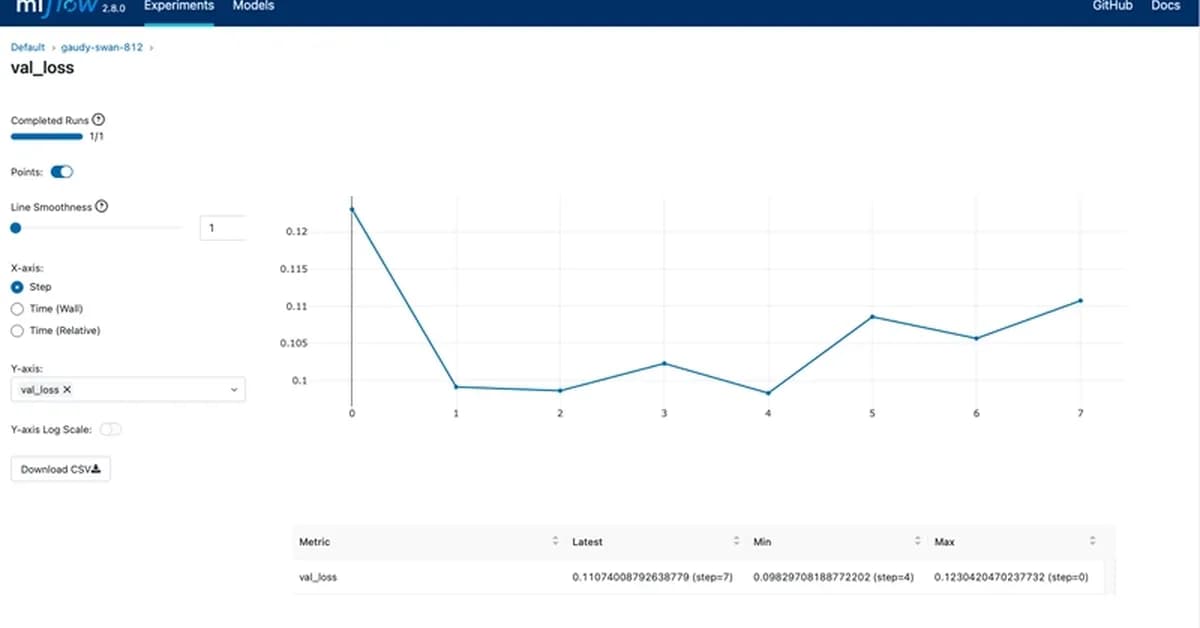
This article provides a comprehensive guide on how to get started with MLflow for experiment tracking in machine learning projects. Here's a summary of the key points and steps:
-
Introduction to MLflow:
- MLflow is an open-source platform designed to streamline the end-to-end machine learning lifecycle.
- It helps track experiments, manage models, and deploy them.
-
Setting Up MLflow Locally:
- Install MLflow using
pip install mlflow. - Start a local tracking server with
mlflow ui.
- Install MLflow using
-
Basic Experiment Tracking:
- Use
mlflow.start_run()to begin an experiment. - Log parameters and metrics using
mlflow.log_param(key, value)andmlflow.log_metric(metric_name, metric_value). - Save the model using
mlflow.sklearn.save_model(model, "model_path").
- Use
-
Example Code:
python1import mlflow 2from sklearn.datasets import load_iris 3from sklearn.linear_model import LogisticRegression 4 5# Load data and train a model 6iris = load_iris() 7X = iris.data 8y = iris.target 9model = LogisticRegression
Read the full article at DEV Community
Want to create content about this topic? Use Nemati AI tools to generate articles, social posts, and more.
2

Ali NematiWritten by Ali
![[AINews] The Unreasonable Effectiveness of Closing the Loop](/_next/image?url=https%3A%2F%2Fmedia.nemati.ai%2Fmedia%2Fblog%2Fimages%2Farticles%2F600e22851bc7453b.webp&w=3840&q=75)



