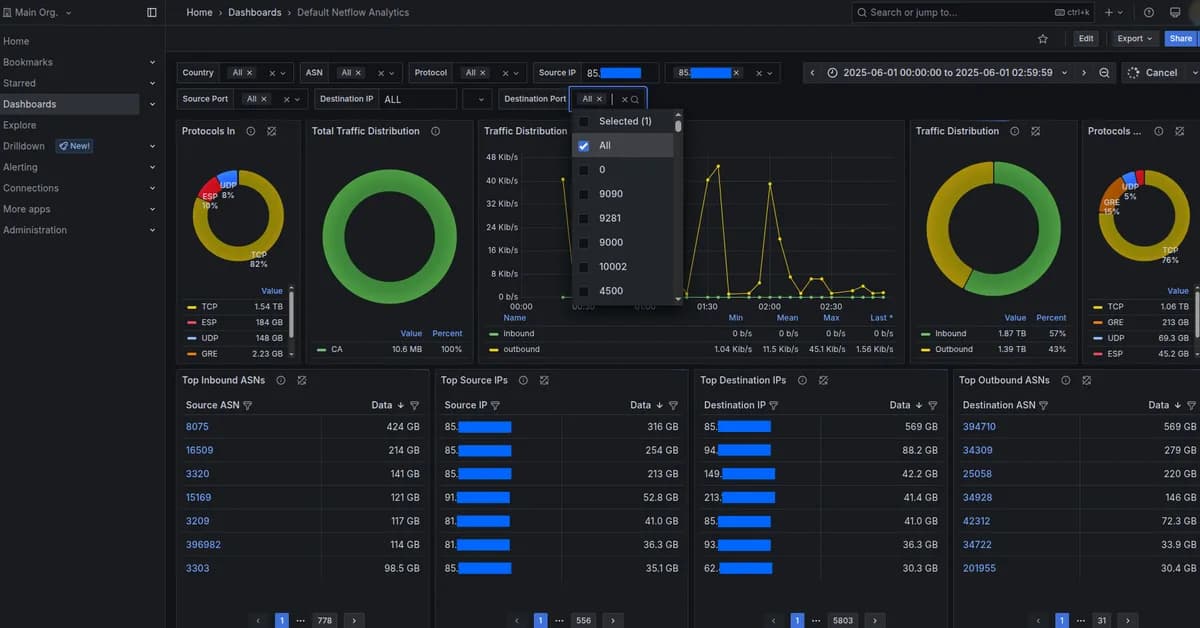
Building embedded analytics on ClickHouse with TypeScript involves several key steps to ensure that your application is both correct and performant. Here's an overview of how you can achieve this:
1. Setting Up Your Environment
First, ensure you have a working ClickHouse server and the necessary client libraries for TypeScript.
-
ClickHouse Server: Make sure it's running with appropriate settings (e.g.,
tenant_idinORDER BY, no partitioning by tenant). -
TypeScript Client Libraries:
- Install
@hypequery/clientto interact with ClickHouse. - Use
@hypequery/servefor creating HTTP handlers.
- Install
2. Creating a Type-Safe Query Builder
Use the hypequery library to create type-safe queries:
typescript1import { HypeQuery } from '@hypequery/client'; 2 3const query = new HypeQuery('events') 4 .select(['tenant_id', 'event_type']) 5 .where({ tenant_id: '123' }) 6 .groupBy(['tenant_id', 'event_type']) 7 .orderBy(['tenant_id', 'event_time']); 8 9console.log(query.build());
3. Schema Introspection
Use hypequery
Read the full article at DEV Community
Want to create content about this topic? Use Nemati AI tools to generate articles, social posts, and more.
6
Tags
Contents

Ali NematiWritten by Ali
![[AINews] The Unreasonable Effectiveness of Closing the Loop](/_next/image?url=https%3A%2F%2Fmedia.nemati.ai%2Fmedia%2Fblog%2Fimages%2Farticles%2F600e22851bc7453b.webp&w=3840&q=75)



