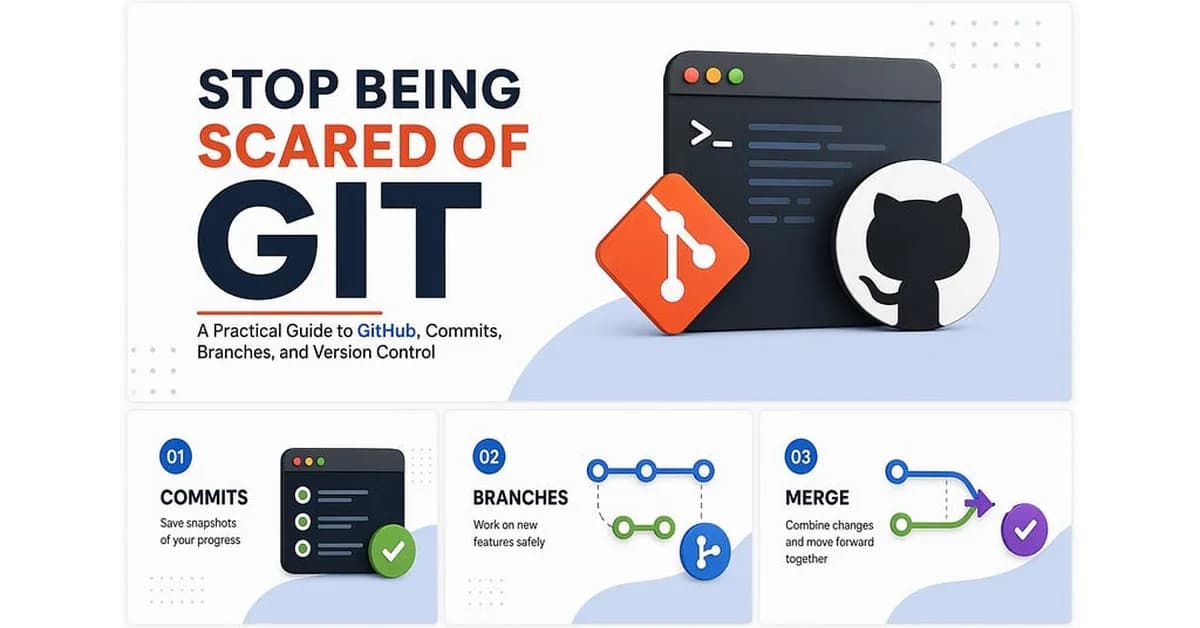
The article "Stop Being Scared of Git: A Practical Guide to GitHub, Commits, Branches, and Version Control" provides a comprehensive introduction to version control using Git for beginners. Here's a summary of key points:
-
Understanding Version Control:
- It helps in tracking changes, collaborating with others, and managing code history.
- Key concepts include repositories (repos), commits, branches, merging, remotes.
-
Core Concepts:
- Repository: A container for all project files and their version history.
- Commit: Saving a snapshot of the current state of your project.
- Branching: Creating alternate paths to work on new features or bug fixes without affecting the main codebase.
- Merging: Combining changes from different branches back into one.
-
Basic Git Commands:
git init: Initialize a new repository.git add .: Stage all changes for commit.git commit -m "message": Commit staged changes with a message.git branch -M main: Rename the current branch to 'main'.git remote add origin <url>: Link your local repo
Read the full article at Towards AI - Medium
Want to create content about this topic? Use Nemati AI tools to generate articles, social posts, and more.
2

alinemati1983-6987Written by alinemati1983-6987
![[AINews] The Unreasonable Effectiveness of Closing the Loop](/_next/image?url=https%3A%2F%2Fmedia.nemati.ai%2Fmedia%2Fblog%2Fimages%2Farticles%2F600e22851bc7453b.webp&w=3840&q=75)