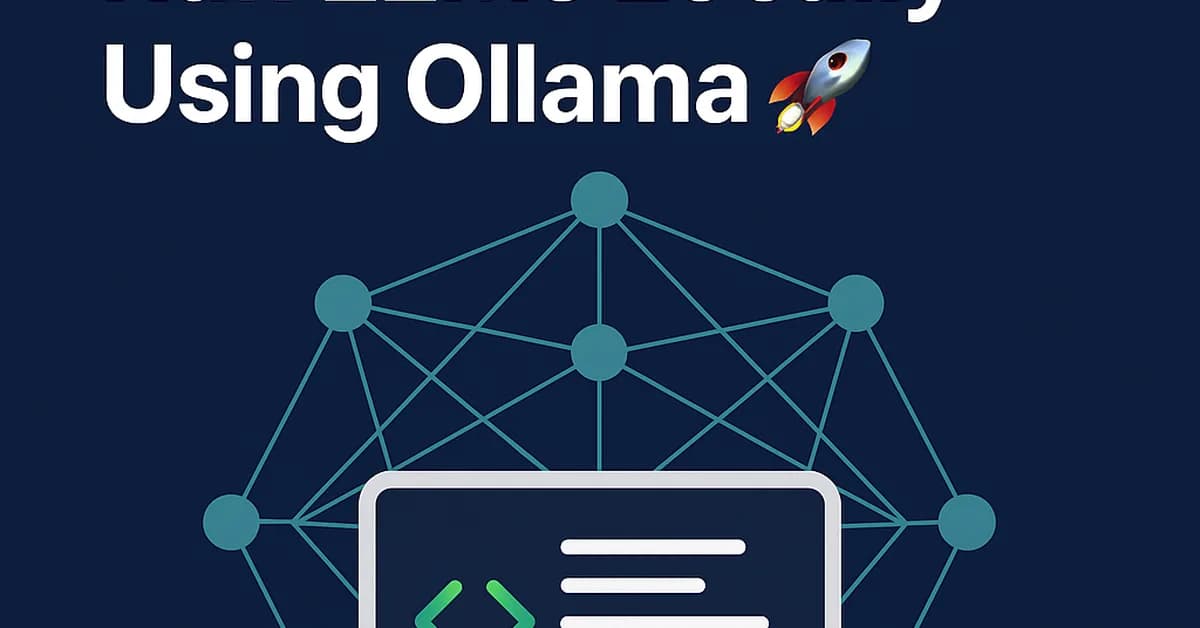
The approach outlined in the article by Nrk Raju Guthikonda is a practical and efficient way to leverage local large language models (LLMs) for various applications without relying on cloud-based services. Here's a summary of key points and steps you can follow:
Key Points
- Local Deployment: Use Docker Compose to deploy Ollama, which hosts the LLMs locally.
- Model Selection: Utilize pre-trained models like Gemma 4 for tasks requiring less computational power but still offering high-quality responses.
- Development Environment:
- Python Framework: Develop your application using Python and libraries such as FastAPI for REST APIs and Streamlit for web interfaces.
- Dockerfile: Create a Dockerfile to build an image that includes all necessary dependencies and configurations.
Steps to Follow
1. Set Up Local Environment
- Install Docker on your machine (ensure it supports GPU if you plan to use hardware acceleration).
- Clone the repository or set up your project directory with the necessary files (Docker Compose, Python scripts, etc.).
yaml1# docker-compose.yml 2services: 3 ollama: 4 image: ollama/ollama: 5 6[Read the full article at DEV Community](https://dev.to/kennedyraju55/the-developers-guide-to-running-llms-locally-ollama-gemma-4-and-why-your-side-projects-dont-54oe) 7 8--- 9 10**Want to create content about this topic?** [Use Nemati AI tools](https://nemati.ai) to generate articles, social posts, and more.
Views185
On this page

Ali NematiBlogUI.author_articles