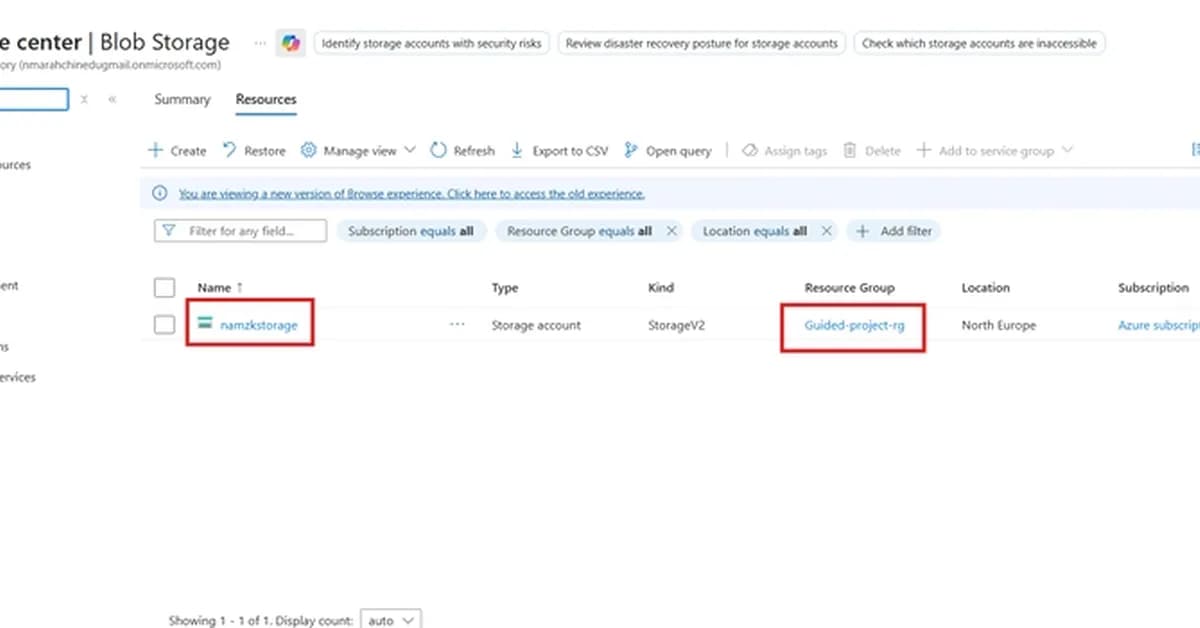
This summary provides a comprehensive overview of managing and securing storage resources in Microsoft Azure. Here are the key takeaways:
-
Creating Storage Containers:
- Created a container named
storage-containerto organize blob data. - Set an access tier based on how frequently the blobs will be accessed (e.g., Hot, Cool, Archive).
- Created a container named
-
Adjusting Access Tier:
- Changed the access tier for a specific blob within the container to balance cost and performance.
- This step helps in optimizing storage costs by moving less frequently accessed data to lower-cost tiers.
-
Setting Up File Shares:
- Created a file share named
storage-containerusing Azure Files. - Configured permissions and access controls for collaborative work across different systems.
- Created a file share named
-
Generating SAS Tokens:
- Generated a Shared Access Signature (SAS) token for a specific blob in the container.
- Configured settings such as signing method, key, permissions, start/expire times, and allowed protocols.
- Tested the SAS URL to ensure it provides access to the specified resource.
-
Revoking Access:
- Revoked access by rotating the storage account's primary key (Key 1
Read the full article at DEV Community
Want to create content about this topic? Use Nemati AI tools to generate articles, social posts, and more.
28

Ali NematiWritten by Ali
![[AINews] The Unreasonable Effectiveness of Closing the Loop](/_next/image?url=https%3A%2F%2Fmedia.nemati.ai%2Fmedia%2Fblog%2Fimages%2Farticles%2F600e22851bc7453b.webp&w=3840&q=75)



