The article provides an in-depth explanation of why Spark containers might unexpectedly exit when using start-master.sh to start a Spark Master process within Docker. The core issue lies in how Docker manages the lifecycle of its containers based on PID 1 (the primary process). Here's a summary and key takeaways from the article:
Key Points
Problem: Background Processes and Container Lifecycle
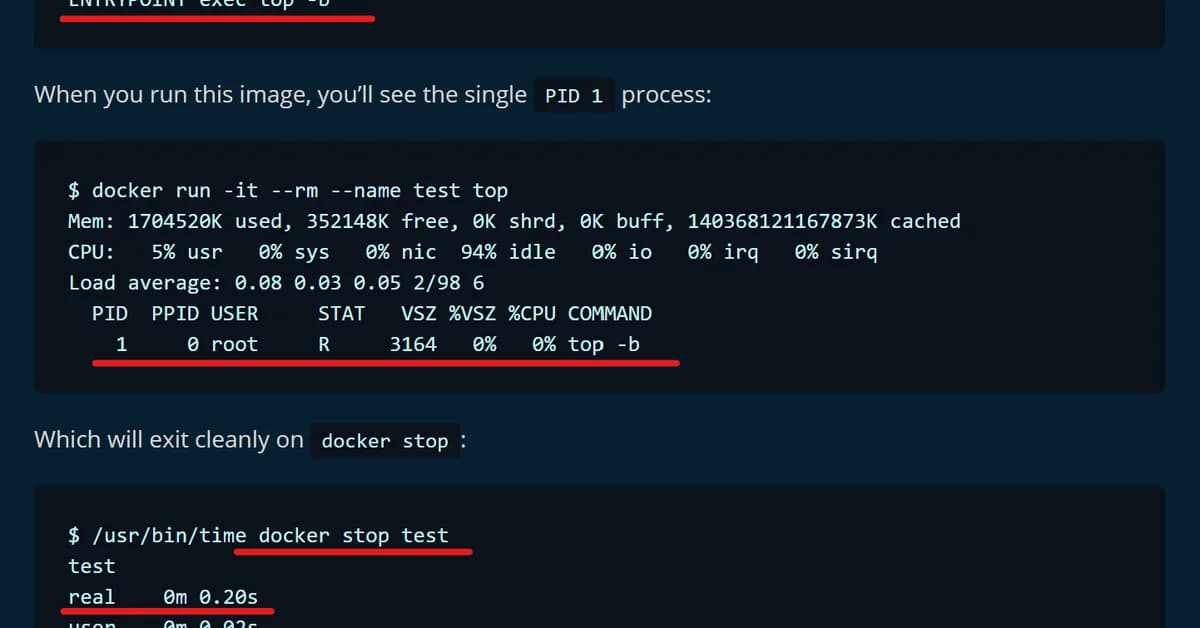
- Docker Containers Exit When PID 1 Exits: This is a fundamental behavior of Docker. If the main process (PID 1) terminates, the container stops.
start-master.shBackgrounds Spark Master Process: The scriptstart-master.shruns the Spark Master in the background and then exits immediately. Since the startup script is PID 1, its exit causes the container to terminate.
Solutions
The article provides several solutions to ensure that a foreground process (which never returns) acts as PID 1:
-
Fix A:
tail -f /dev/null- Run
tail -f /dev/nullas PID 1 to keep the container running indefinitely. - Use
docker execto submit jobs manually.
- Run
-
Fix B: Directly Run Spark Master Class
Read the full article at DEV Community
Want to create content about this topic? Use Nemati AI tools to generate articles, social posts, and more.
55
Tags
Contents

Ali NematiWritten by Ali