
What is Nemati AI?
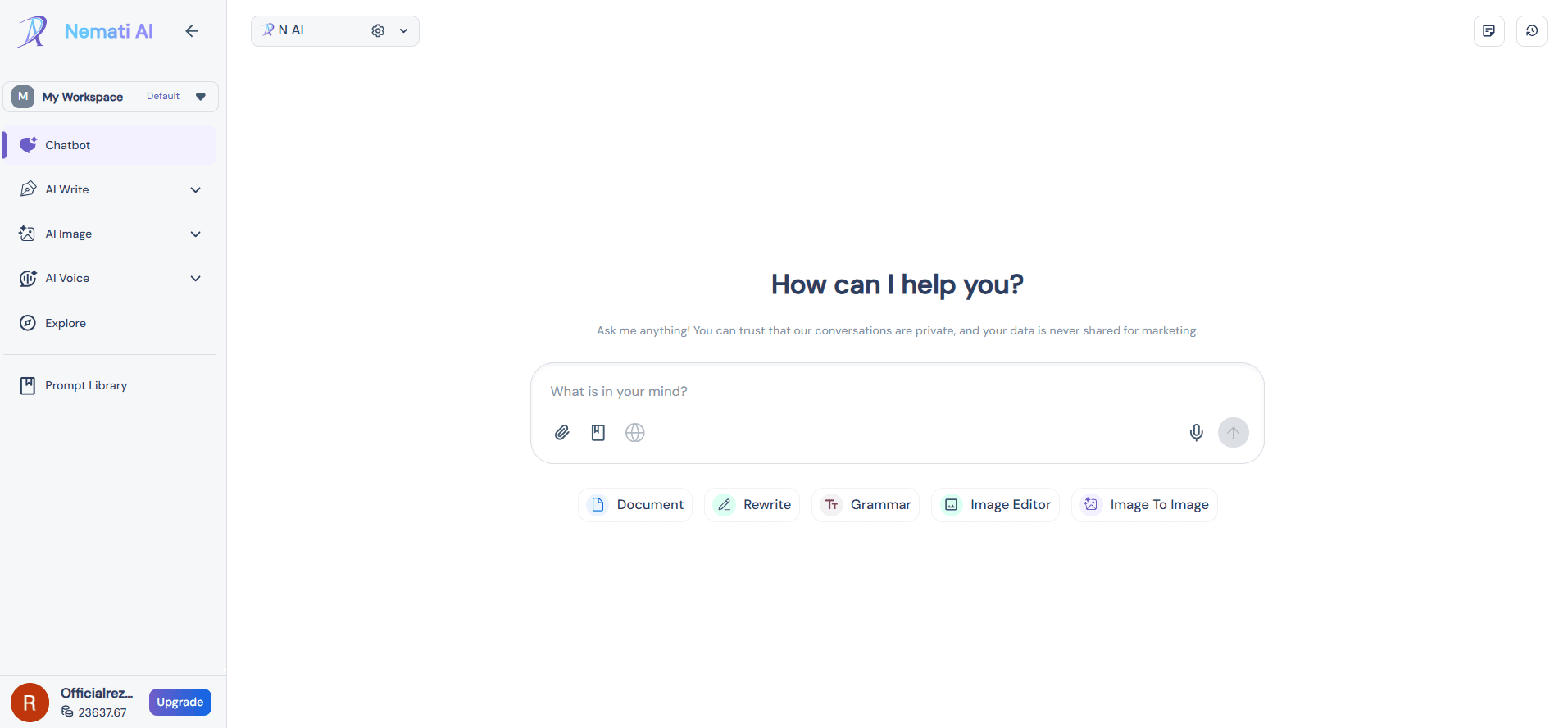
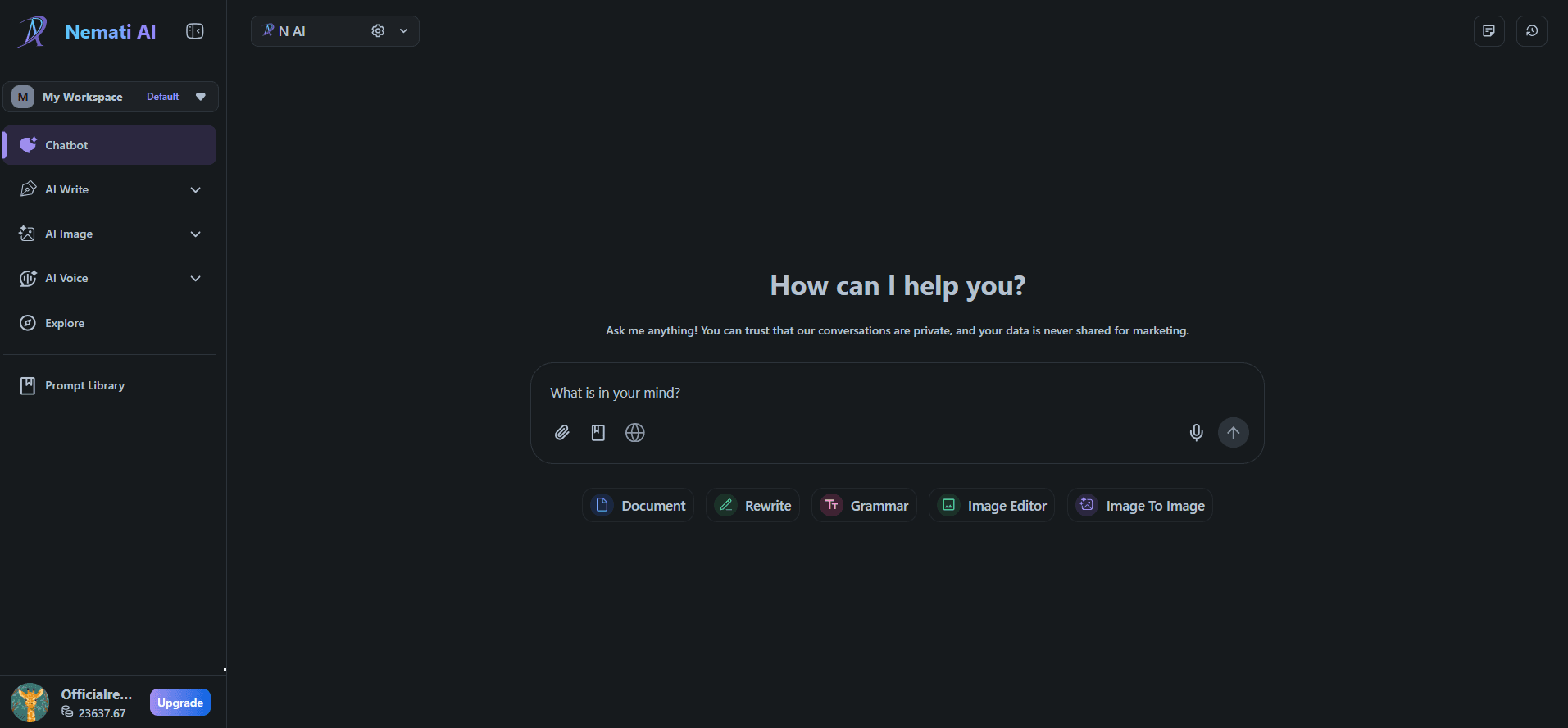
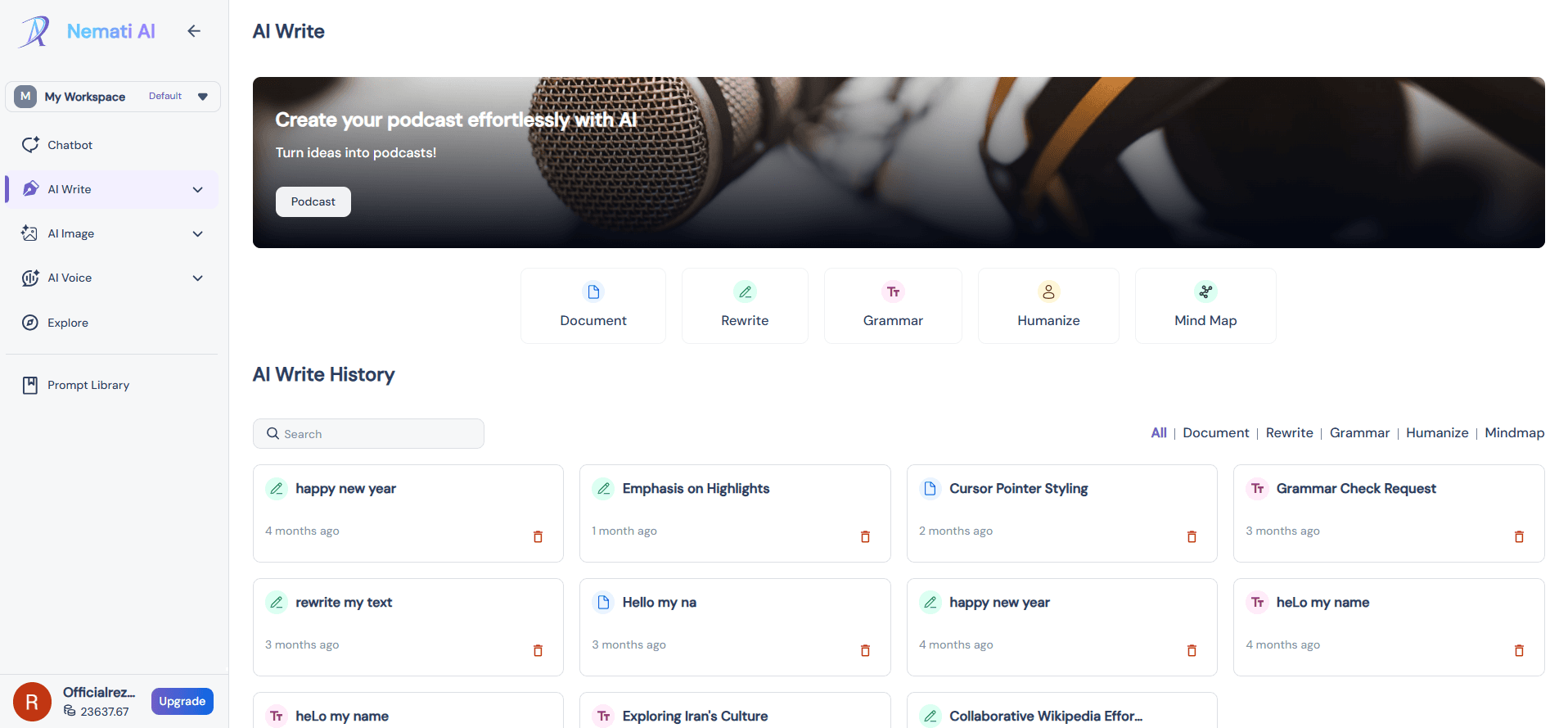
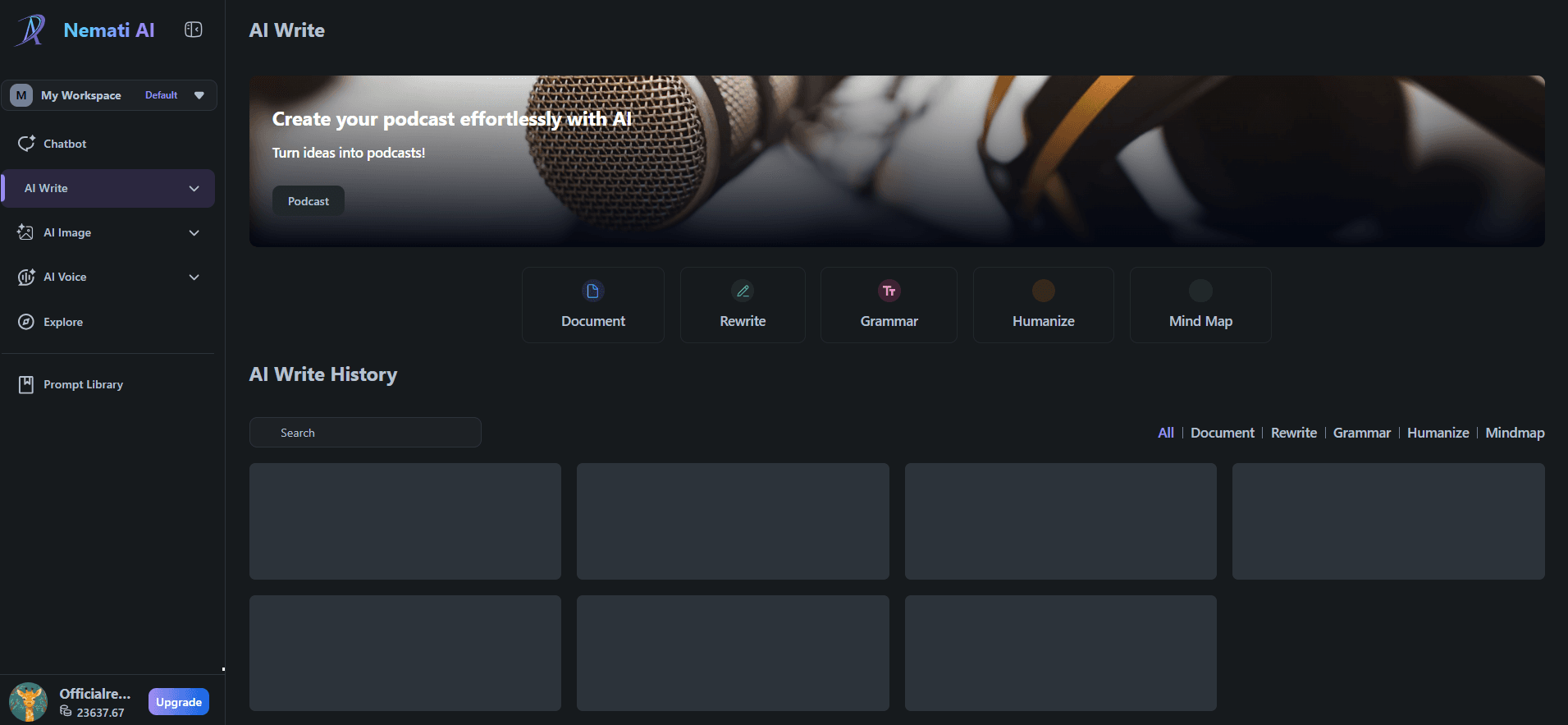
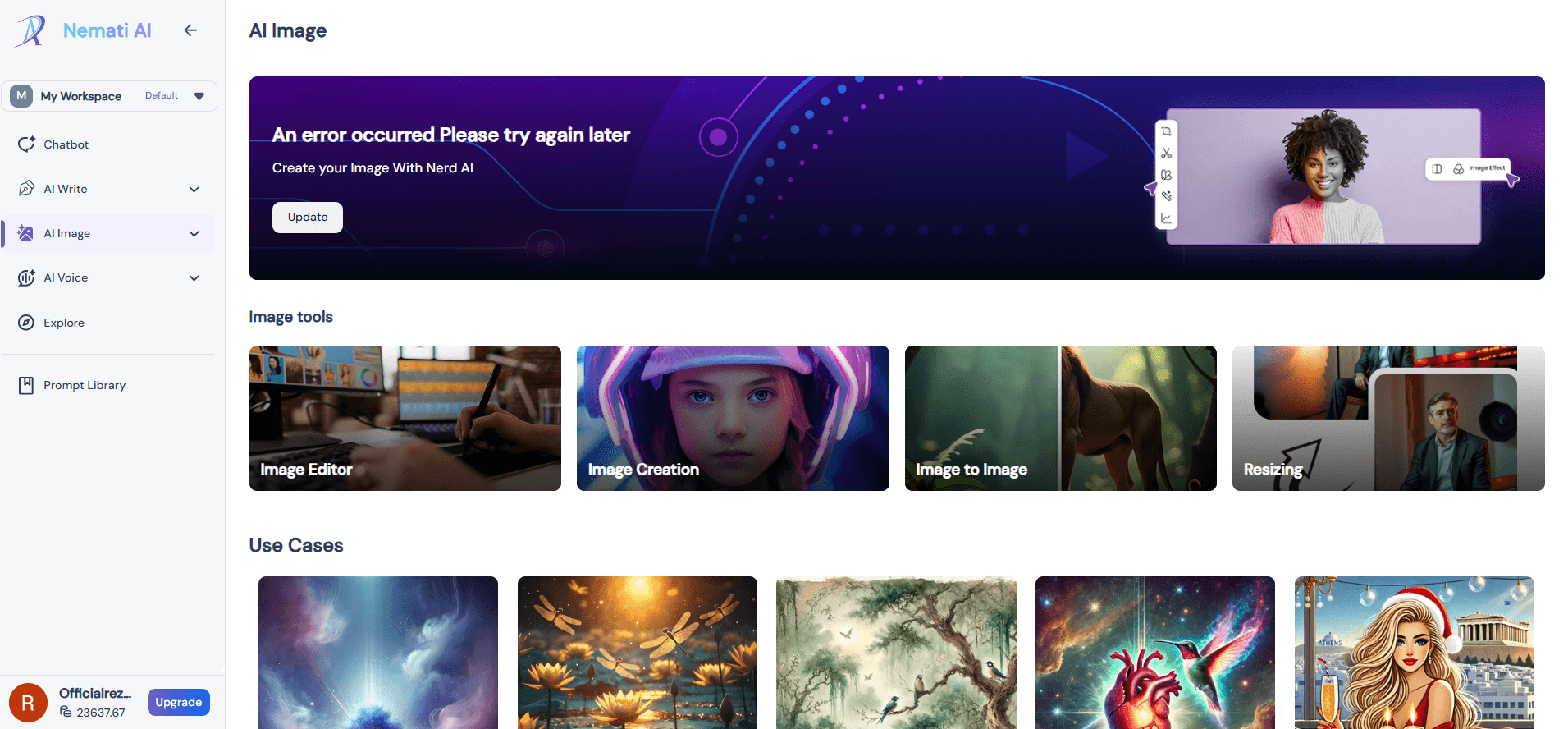
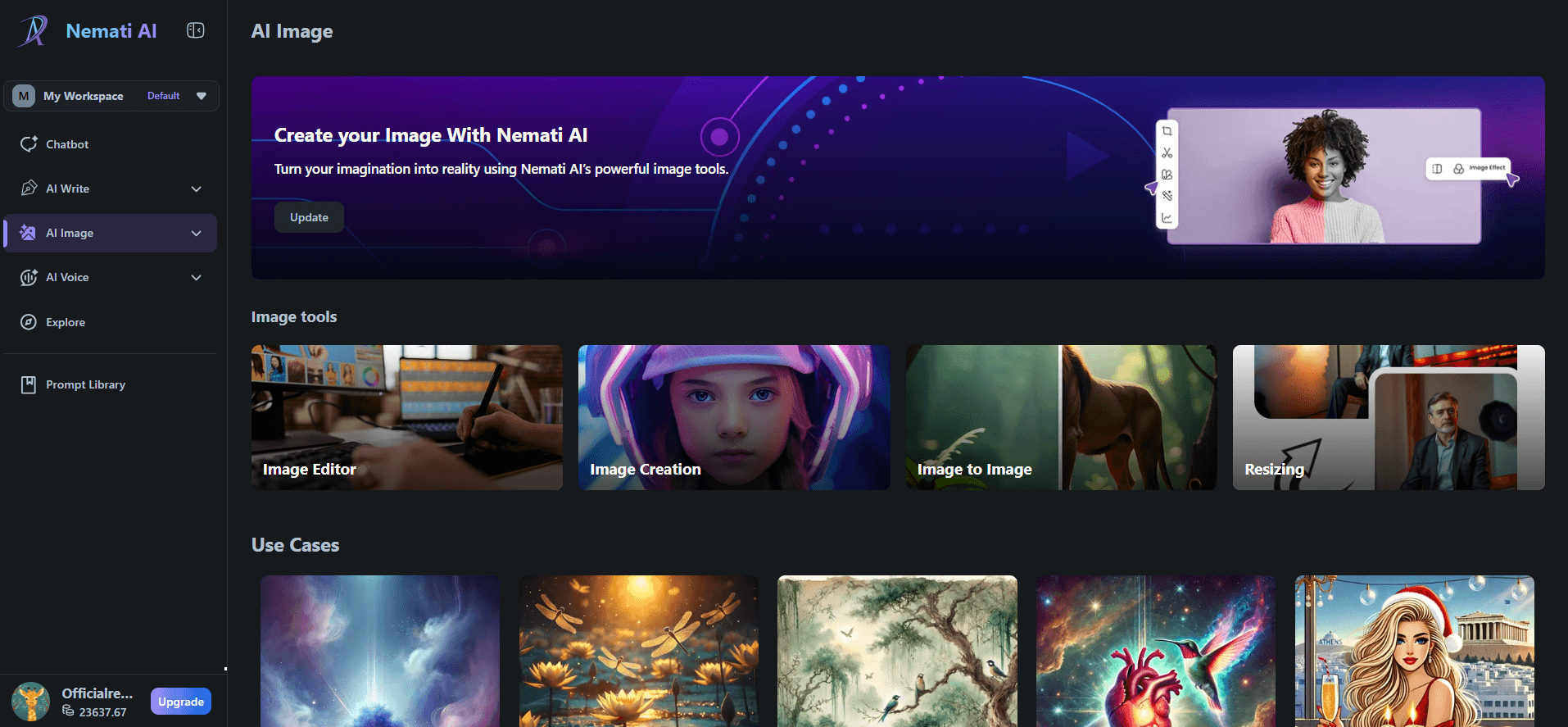
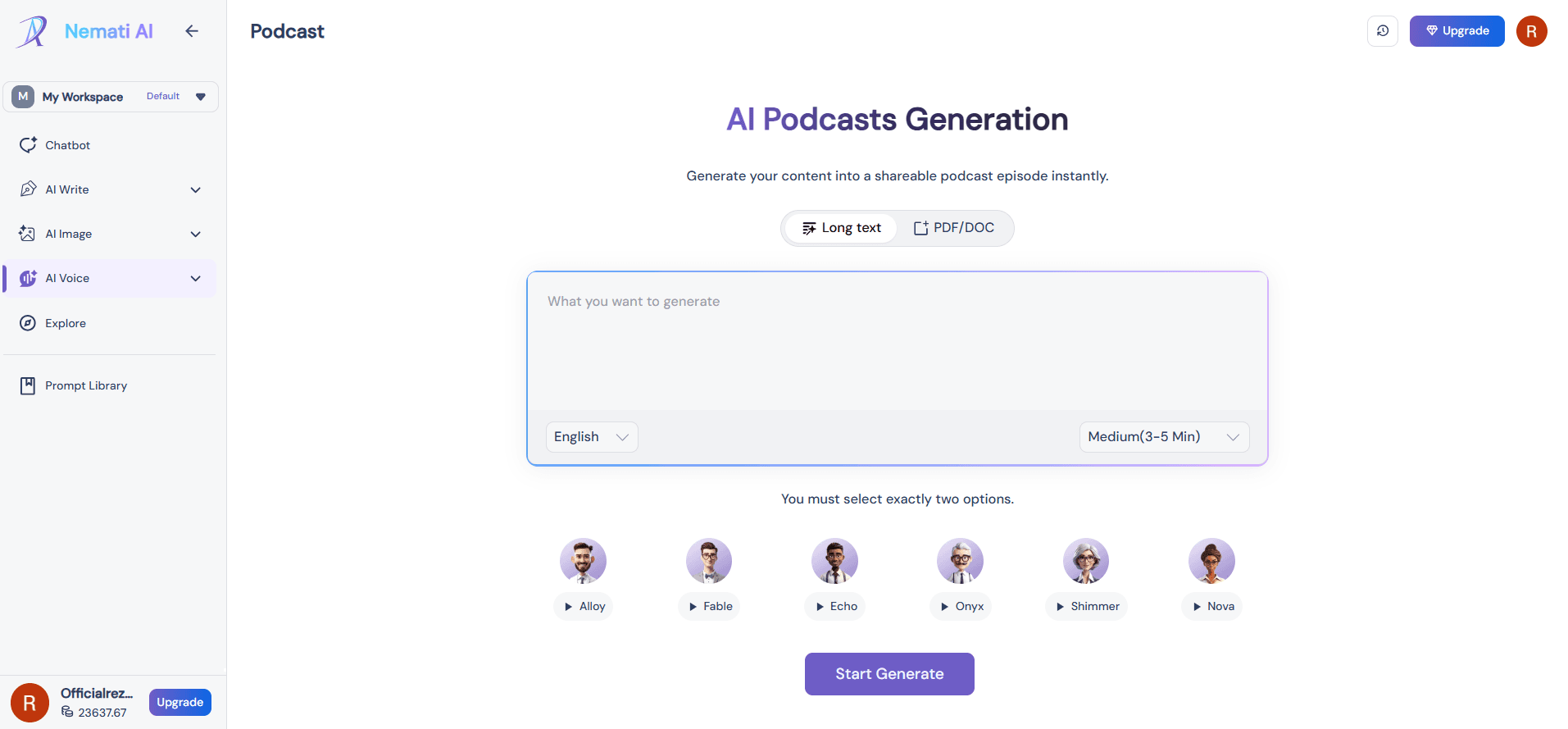
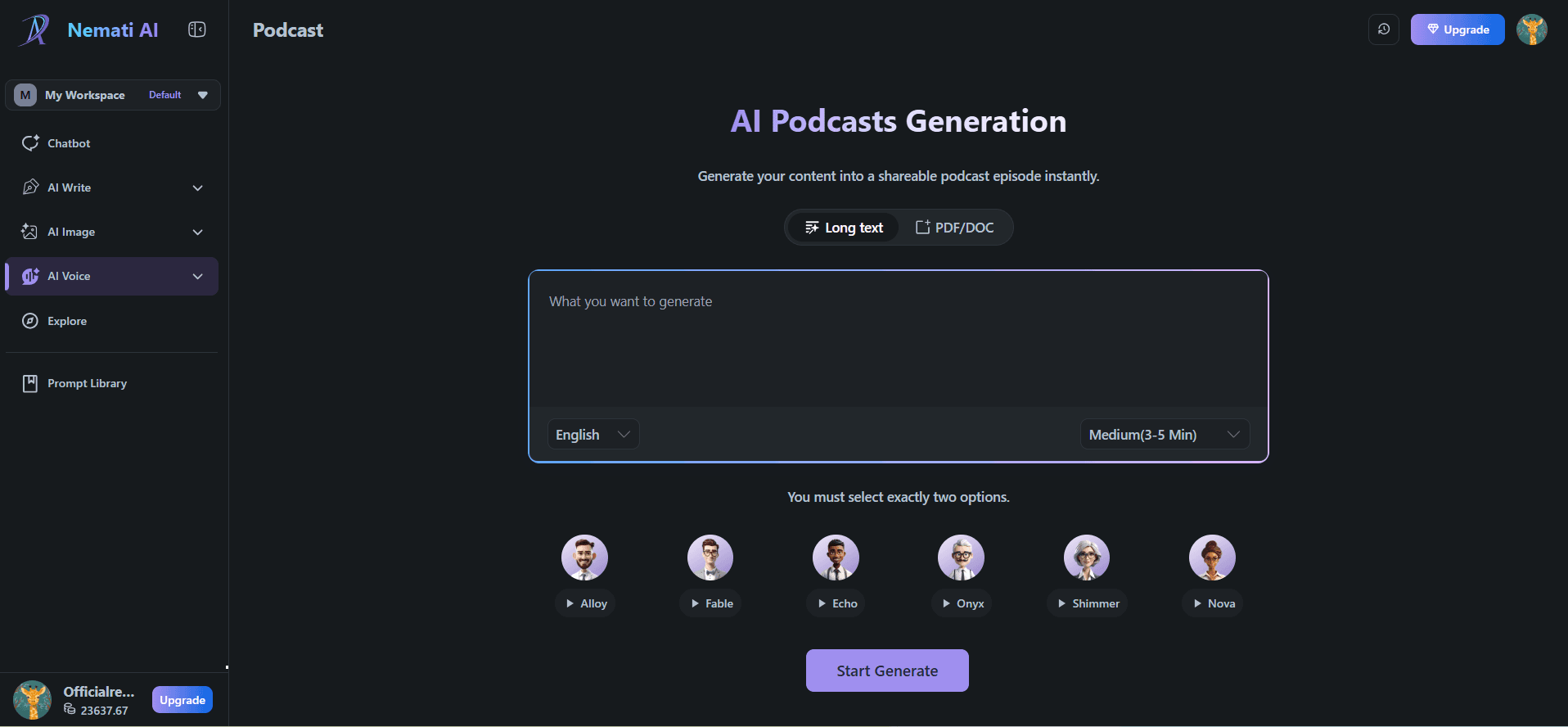
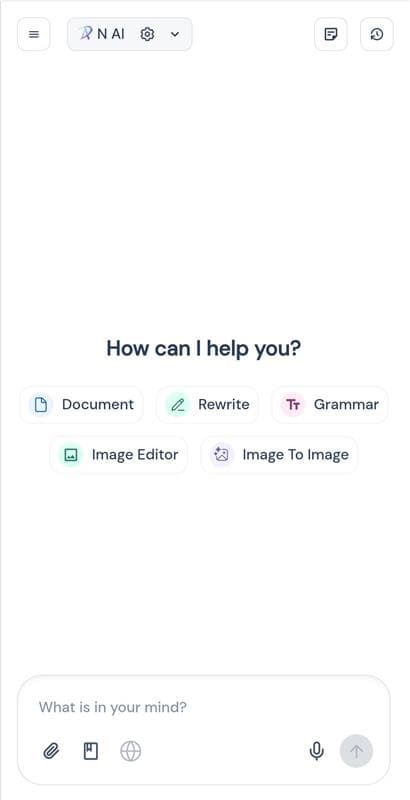
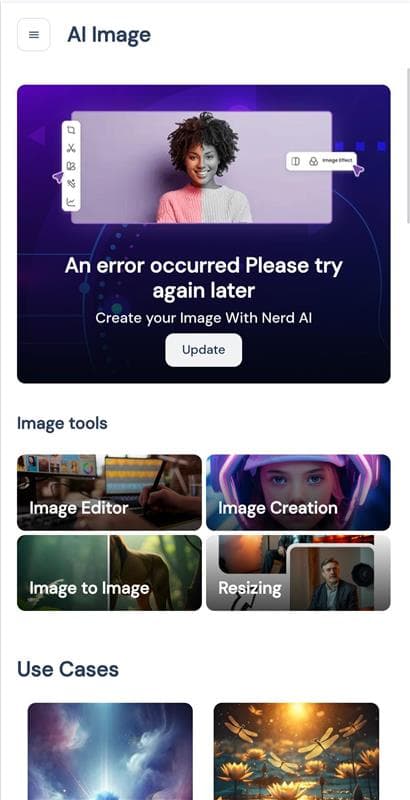
Nemati AI is a web workspace where you chat with many AI models from one account and use writing, image and PDF tools. The writing tools draft documents, rewrite text, check grammar, humanize AI text and build mind maps. The image tools create, edit and resize images, or turn one image into another. A converter saves PDF pages as PNG or JPEG files. Nemati AI also turns trending GitHub projects and AI news into posts and keeps a library of prompt templates. There are mobile apps, two Chrome extensions (Web Ease and AI Summarizer) and IndoxRouter, one API for many models. Without an account, you get a few free answers a day from the prompt box above.
Everything in one place
Chat, write and design without switching apps
One account, one history and one set of credits for every tool. Start in chat, then move to the editor or the image studio with your work already there.
Works with the models you already trust
Live from Nemati AI's trend feed
Trend to content
Catch the trend. Create the content.
Nemati AI tracks AI news and trending GitHub projects around the clock. Every trend comes with a creator kit. AI Write and Image then turn it into your next post.

Creator kit
“Revolutionize your coding experience with Warp - the agentic dev environment that brings AI to your terminal!”
- A deep dive into how Warp integrates GPT models for enhanced coding efficiency.
- Comparative analysis: How does Warp stack up against other AI-driven development tools?
Developers, software engineers, and anyone interested in improving their coding workflow with cutting-edge technology.
Revolutionize your coding experience with Warp - the agentic dev environment that brings AI to your terminal! — Warp is an agentic development environment, born out of the terminal.

Ideas from the latest in AI
Read the blogEvery story is a content idea. Hit Create to draft it.



Trending on GitHub
See GitHub trendsTurn a trending repo into a post in one click.


Updated every few hours
Prompt library
Better prompts, better results
Start from ready-made prompt templates, or save your own. Your best prompts become one-click tools for you and your team.
Browse the library
Proven templates for marketing, writing, study, coding and more. Fill in the blanks and go.
Create your own
Turn a prompt that works into a reusable template with your own fields.
Share with your workspace
Keep the whole team on the same, tested prompts.
Wherever you work
In your browser, on your phone, in your code
Browser extensions
Summarize pages and write better anywhere on the web.
Mobile apps
Take your chats, documents and images with you on Android.
Get started
Up and running in three steps
Browse tools, models and apps
- All featuresEach tool with a one-line description of what it does.
- AI modelsSee which models you can chat with from one Nemati AI account.
- Extensions and mobile appsInstall Web Ease and AI Summarizer for Chrome, or get the mobile apps.
Pricing
Start free. Upgrade anytime.
Every account gets free daily credits. Credits work across chat, writing and image tools, so you pay for what you use.
Nemati AI tools by category
Writing, image and PDF tools, plus the Chrome extensions and IndoxRouter, each one click away.
FAQ
Questions, answered
Everything you need to know before you start.
Can't find your answer here? Send us a message.
Contact usIs Nemati AI free?
Yes. You can sign up and use Nemati AI for free, with no credit card. Free accounts get 10 credits every day, plus 100 bonus welcome credits when you join. Upgrade anytime to Basic, Pro or Premium for more.
What are credits?
Credits measure how much you use. Each action spends credits, and different AI models use different amounts.
Can I use AI-generated content commercially?
Commercial licensing depends on the model. Most models allow commercial use; a few have restrictions.
How do I upgrade, downgrade or manage my plan?
Open Settings at the bottom left of the web app and choose "Upgrade" to change your plan.
How do I cancel my subscription?
Downgrade to the free plan. The change takes effect at the end of your billing cycle.
How can I get more free credits?
Share your referral link from Account Settings → Referral & Rewards. You and each friend who joins both get 20 credits.